Photo requirements at a glance
Official specification summary for this document, verified against the issuing authority's requirements.
- Photo size
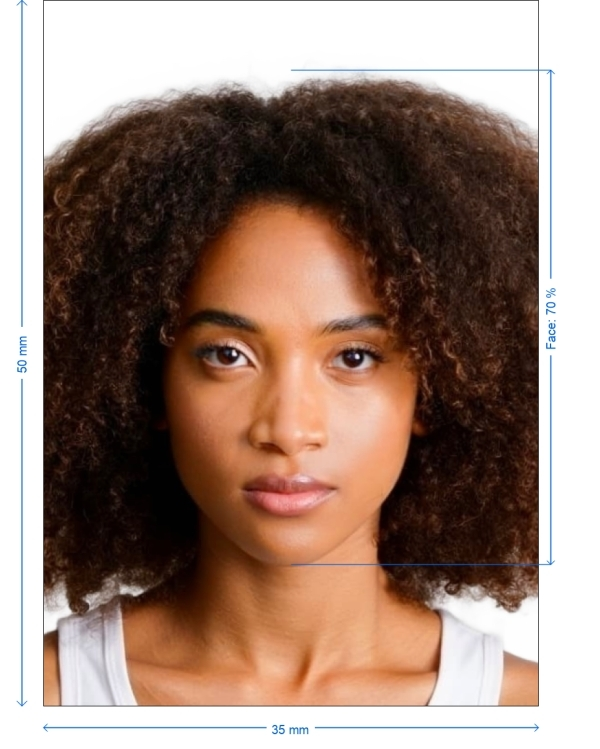
- 35x50 mm · 1.38x1.97 in
- Pixel size
- 827x1181 px
- Resolution
- 600 DPI
- Background
- In color
- Head height
- 70 %
- File format
- JPEG
- Glasses
- not allowed
- Expression
- Neutral, eyes open, mouth closed
Your Malaysia Visa Now (35 × 50 mm / 827 × 1181 Pixels)
FreeUpload a selfie, and our photo converter resizes and crops it to the exact specifications automatically. Works on iPhone, Android and desktop — no studio visit required.
Drag to reposition · Scroll-free sliders below
or paste an image from your clipboard
Check this box if health issues affect your photo — a medical certificate is required.
Compliance
Human Photo Verification
A compliance expert reviews your photo and provides a report. 99.2% approval rate.
Print sheet (multiple copies)
1.38x1.97 in · 600 dpi · JPEG · Malaysia
Batch processing — process multiple photos at once
0 loadedUpload several photos; they are all cropped to the current document size using the same background & adjustments, then downloaded together as a ZIP.
Easily Generate Your Malaysia Visa Photo Online for Free
Getting your Malaysia visa photo is now simpler than ever. Using our user service you can effortlessly upload a photo from your smartphone and we will transform it into a visa sized photo that meets all official specifications. Rest assured we guarantee that your photos will be accepted with a 100% success rate.


Source: official website www.vfsglobal.com
Get photo for: Malaysia Visa 35x50 mm white background
Drag to reposition · Scroll-free sliders below
or paste an image from your clipboard
Check this box if health issues affect your photo — a medical certificate is required.
Compliance
Human Photo Verification
A compliance expert reviews your photo and provides a report. 99.2% approval rate.
Print sheet (multiple copies)
2x2 in · 300 dpi · JPEG · United States
Batch processing — process multiple photos at once
0 loadedUpload several photos; they are all cropped to the current document size using the same background & adjustments, then downloaded together as a ZIP.

Why choose Our Service?
Auto Cropping
Our free tool automatically adjusts your photo to the US visa size.
Comprehensive Requirements
Gain access to the list of document requirements for your photos.
Step by Step Tutorial
Follow our to get the perfect guide on capturing the perfect shot.
How to Generate Your Malaysia Visa Photo
Crafting your Malaysia visa photo, at home is both straightforward and hassle free. Simply follow these steps.
Choose Country and Document Type. Indicate the document type you require.
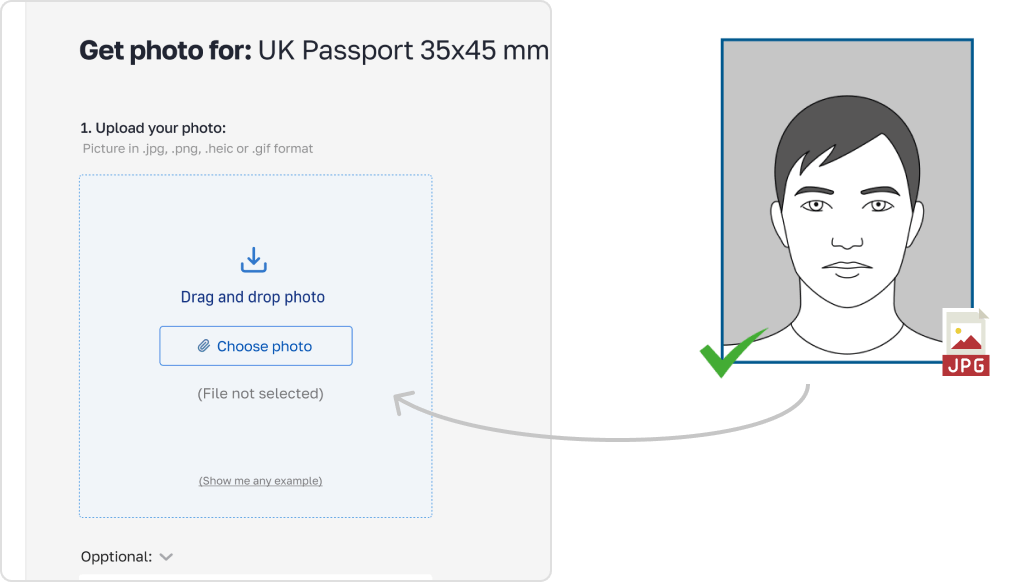
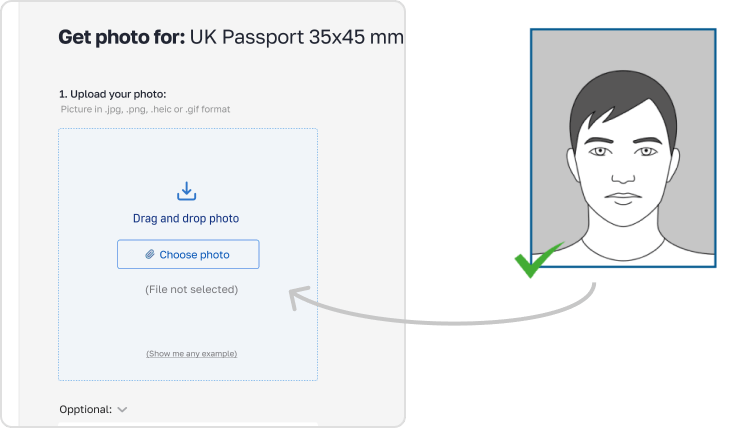
Capture and Upload Your Photo. Take a picture using either your smartphone or digital camera.
Upload the image to our Malaysia visa photo creator while adhering to guidelines. Ensure Your Photo Looks Great. Our system will automatically enhance your photo by adjusting the lighting centering and other aspects.
Download Your Edited Image. Get the photo for your visa application.

*Data from government agencies
Malaysia eVisa Online Application Photo — Size and Requirements
To make sure your Malaysia visa application goes smoothly it's important to follow the photo guidelines. These essential requirements are as follows. A Malaysian passport uses the same 35 x 50 mm format, and our Malaysia passport photo requirements guide sets out the rest of its rules.
Before printing, ensure your photo meets the proper specifications:
Photo Freshness
The picture must be recent taken within the month.
Dimensions
The photo should measure 35x50mm.
Background
Opt for a light colored background, better the white one.
Facial Expression
Maintain a neutral expression with a clear full-face view.
Accessories
Refrain from wearing glasses, headwear or anything that may cause shadows unless for religious purposes.
Size
The photo must strictly be 35x50mm. Any deviation will result in the rejection of the photo, requiring it to be retaken.
Color
The photo must be in color, with a neutral white or off-white background to facilitate easy identification. The image should be clear, free of distractions, and not digitally enhanced (e.g., no color adjustments).
Resolution and File Size
Your photo must be of high quality, with a resolution no less than 600 DPI. Ideally, it should range between 600 and 1200 DPI. The file size should be between 1 MB and 15 MB for optimal processing.
Technical Requirements Table
| Name of Document | Malaysia eVisa Online Application |
| Country | Malaysia |
| Type of Document | Visa |
| Quality | 600 DPI |
| Background Color | White |
| Photo Size | Width: 35mm, Height: 50mm |
| Approved for Requirements | Yes |
| Image Definition Parameters | Correct for requirements |
| Printable | Yes |
| Suitable for Online Submission | No |
| Source | Data from government agencies |
Tips for Capturing a Malaysia Visa mm Photo
1. Distance from Camera
Position the camera 5-7 feet (1.5 to 2 meters) away to capture.
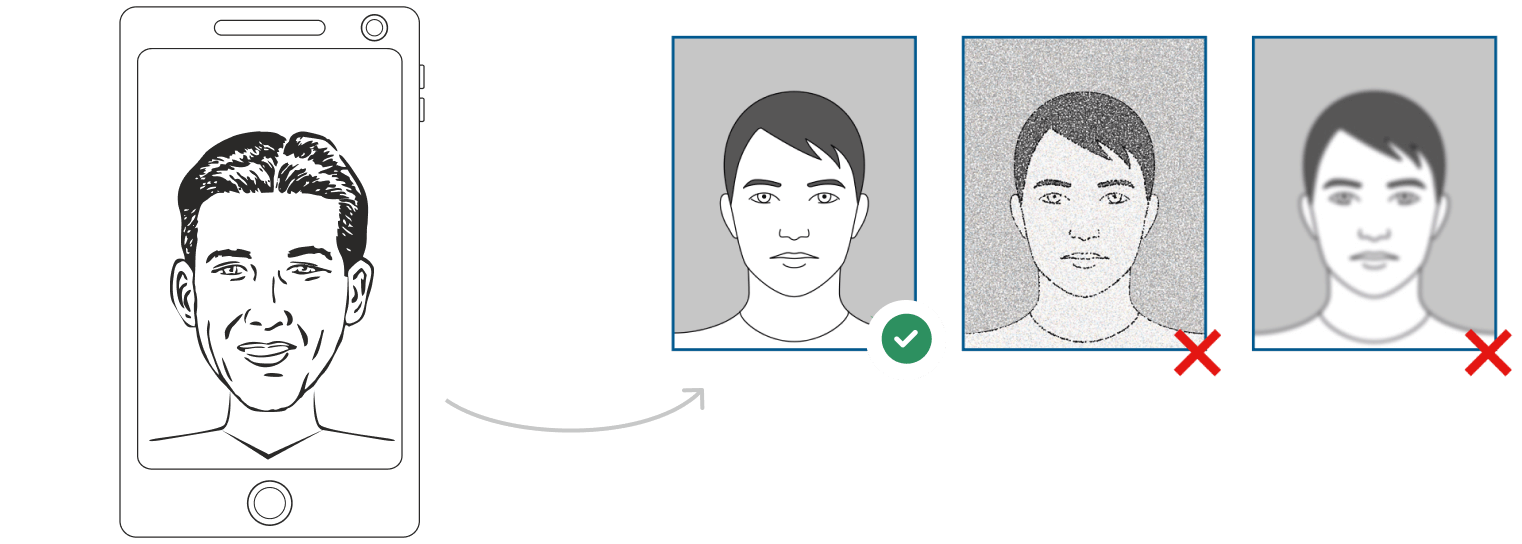
2. Posture
Stand tall and relaxed looking at the camera.
3. Lighting
Ensure lighting to prevent any shadows.
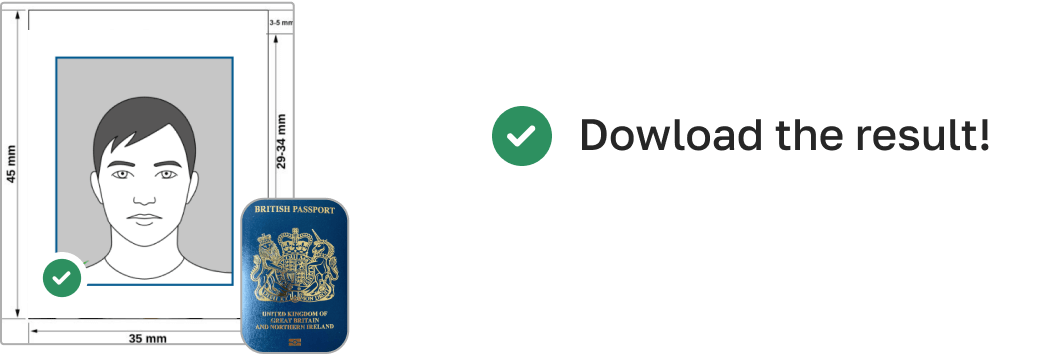
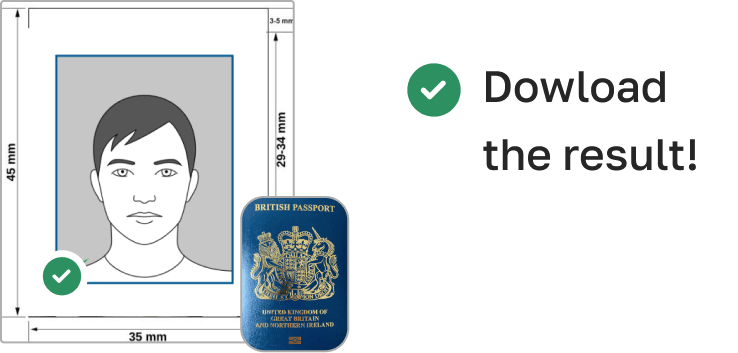
How to Take Pictures of Infants and Children

For infants and kids follow these suggestions: Newborns. Lay a sheet on the ground and place the baby on it. Babies. Sit them up in a child’s chair against a white sheet. If necessary, support their head with a hand behind the sheet making sure no one else is visible in the frame.
AI Powered Tools for Photography
PhotoGov provides tools to assist you in creating the photo.

Cropping
Trim edges for sizing.

Resizing
Adjust the photo to meet required dimensions without distorting it.

Background Removal
Create a background even if one isn't present.

Auto adjustment
Enhance brightness, color and contrast, with one click
Retail Stores
Different retail stores have designated areas for photoshoots with rates.
Frequently Asked Questions
Other documents for the Malaysia

Written by Olia Potiagaeva, Managing Editor Reviewed by the PhotoGov Editorial Team ★ 4.8 / 5.0 Google Checked against Malaysia
Free retake or full refund
If your photo is rejected because of an error on our side.
→ Refund PolicyChecked against 8 official parameters
Every file is validated before you download it.
→ Compliance checkRequirements re-checked every 8 weeks
Against the Malaysia specification, so the template never falls behind a rule change. Last checked: 12.10.2026.
→ Official Government SourcesOn this page:
- Get photo for: Malaysia Visa 35x50 mm white background
- Why choose Our Service?
- How to Generate Your Malaysia Visa Photo
- Malaysia eVisa Online Application Photo — Size and Requirements
- Technical Requirements Table
- Tips for Capturing a Malaysia Visa mm Photo
- How to Take Pictures of Infants and Children
- AI Powered Tools for Photography
- Frequently Asked Questions
PhotoGov.net strictly adheres to the Global regulations for ID photos.
Related pages
Official Government Sources
Checked against the Malaysia photo requirements: http://www.vfsglobal.com/malaysia/india/wrf_photospecifications.htmlLast checked: 12.10.2026
Photo standards: vfsglobal.com
Other Documents — Malaysia ID Photos
Malaysia
6 doc.
- Malaysia eVisa online application1.38x1.97 inch (35x50 mm)
- Malaysia Passport1.38x1.97 inch (35x50 mm)
- Malaysia Visa 35x45 mm blue background1.38x1.77 inch (35x45 mm)
- Malaysia driving license 25x32 mm0.98x1.26 inch (25x32 mm)
- Malaysia EMGS 35x45 mm1.38x1.77 inch (35x45 mm)
- Malaysia APEC Business Travel Card 35x50mm (3.5x5 cm)1.38x1.97 inch (35x50 mm)