照片规格要求一览
本文档的官方规格摘要,已对照签发机构的要求核验。
- 像素尺寸
- 100x120 px
- 分辨率
- 1 DPI
- 背景
- In color
- 头部高度
- 75 %
- 文件格式
- JPEG
- 眼镜
- 不允许
- 表情
- Neutral, eyes open, mouth closed
立即制作India registration of birth()
免费上传一张自拍,我们的照片转换器会自动调整尺寸并裁剪至精确规格。支持 iPhone、Android 与桌面端——无需前往照相馆。
拖动可重新定位 · 下方滑块免滚动
或从剪贴板粘贴照片
如健康问题影响照片,请勾选此框——需提供医疗证明。
合规检查
专家人工审核
合规专家审核您的照片并出具报告。通过率 99.2%。
打印排版页(多张)
in · 1 dpi · JPEG · 印度
批量处理——一次处理多张照片
已加载 0 张上传多张照片,它们将使用相同的背景和调整裁切到当前证件尺寸,然后一起打包为 ZIP 下载。
India Registration of Birth Photo
Part of the essentials when asking for a India Registration of Birth is the right type of photo to submit. The technical specifications of this photo have to be kept very precisely, such as resolution. Official guidelines must also be followed, or your photo can lead to a hold or rejection in your application. But phew! You can make your perfect India Registration of Birth photo by using just a phone, with the app PhotoGov.net, without a professional photobooth and photographer. A passport application follows a separate standard, described in our guide to the new Indian passport photo rules.


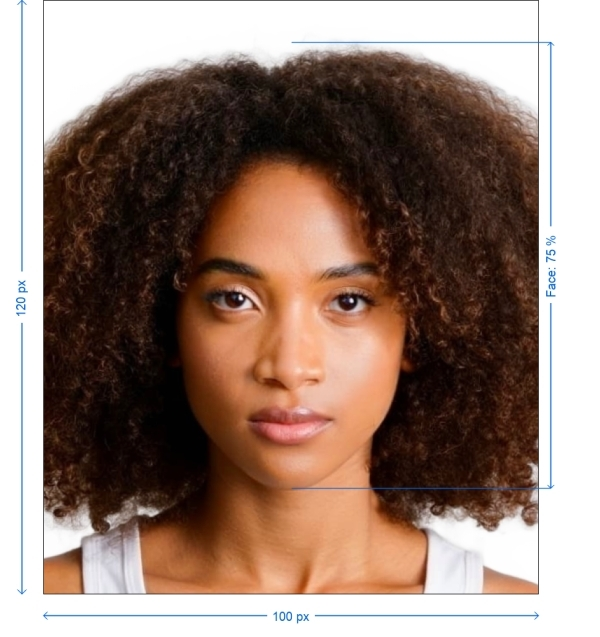
Get photo for: India registration of birth 100x120 pixel
拖动可重新定位 · 下方滑块免滚动
或从剪贴板粘贴照片
如健康问题影响照片,请勾选此框——需提供医疗证明。
合规检查
专家人工审核
合规专家审核您的照片并出具报告。通过率 99.2%。
打印排版页(多张)
2x2 in · 300 dpi · JPEG · 美国
批量处理——一次处理多张照片
已加载 0 张上传多张照片,它们将使用相同的背景和调整裁切到当前证件尺寸,然后一起打包为 ZIP 下载。
Importance of Your India Registration of Birth Photo
Your photo for Indian birth registration is an important part of your formal papers and has to be in a specific size, resolution and technical specifications. The authorities use the photo for identification, so it must fulfil their parameters. If the photo fails to meet required specifications size or quality, then there is a high likelihood of your application getting delayed. Other Indian documents set their own rules, and the Indian PAN card photo guide describes the two prints a PAN application needs.
With PhotoGov.net, we make sure your photos are automatically sized correctly to perfectly meet all the required norms and get rid of the need of corrections all by yourself.
PhotoGov Helps You Make India Registration Of Birth Photo
Instead of spending time in photo booth or a professional photographer you can take the best possible India Registration of Birth photo from your home with this.
Take a selfie Use your phone to take a clear, well-lit selfie
Upload your selfie at PhotoGov.net
Our system automatically crops, rescales and adjusts the background to ensure your Photographic image is 100x120 pixel in size
After completion, get your photo printed — ready for both print and online submission
How to take your own India registration of birth photo
If you don’t want to go through the trouble and expense of locating and hiring a professional photographer to take your picture, you can simply take your own from home. So long as you follow the below instructions carefully, you can capture the perfect registration of birth photo yourself:
1. Take a picture of yourself
Open up the PhotoGov.net photo service and take your picture. Make sure you’re not wearing any headcovers or glasses, do not wear a uniform, and keep your expression neutral. Ensure that the area is well-lit and that you are standing against a neutral background.
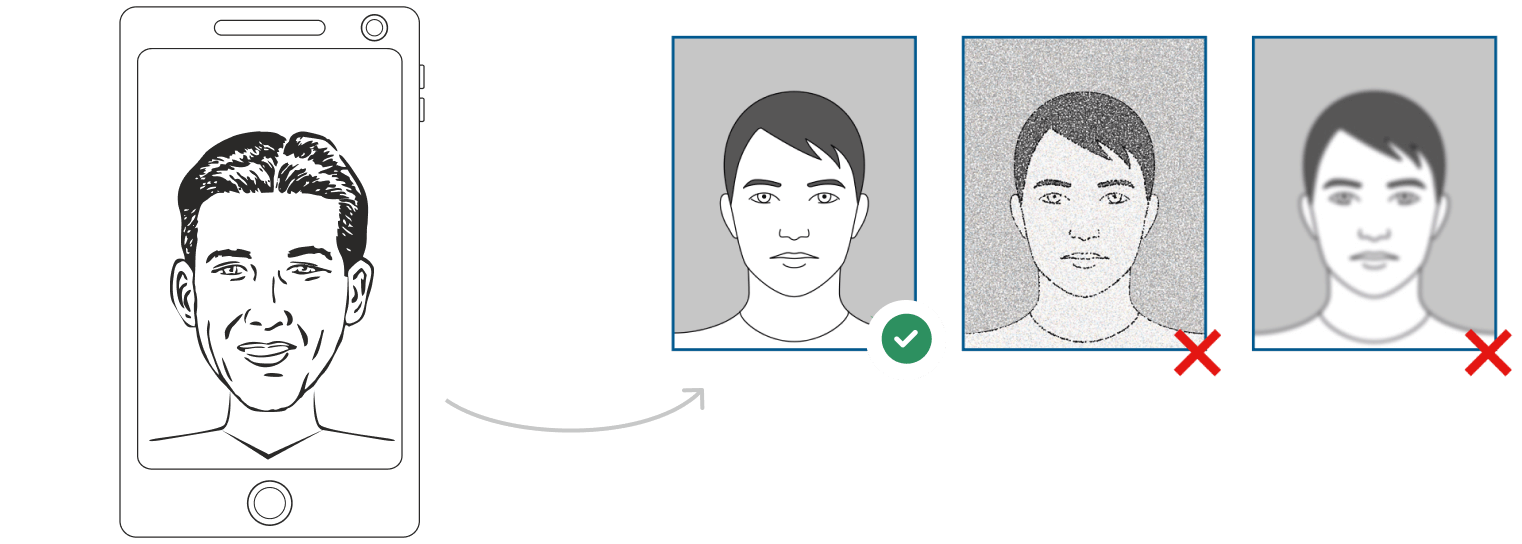
Watch "How to take a photo" (00:46)
2. Upload your photo to PhotoGov AI
Next, upload your image and process it through our site.
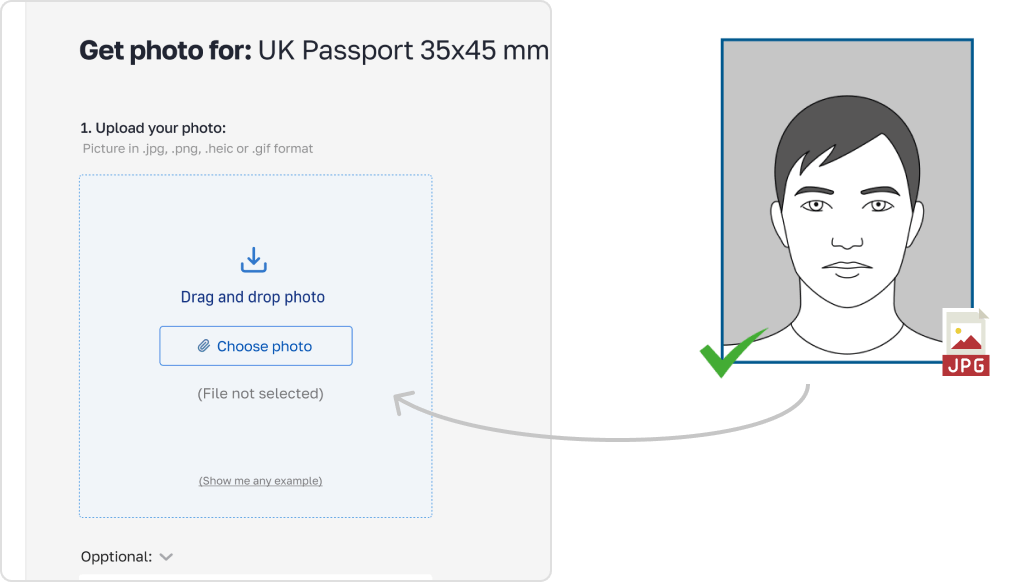
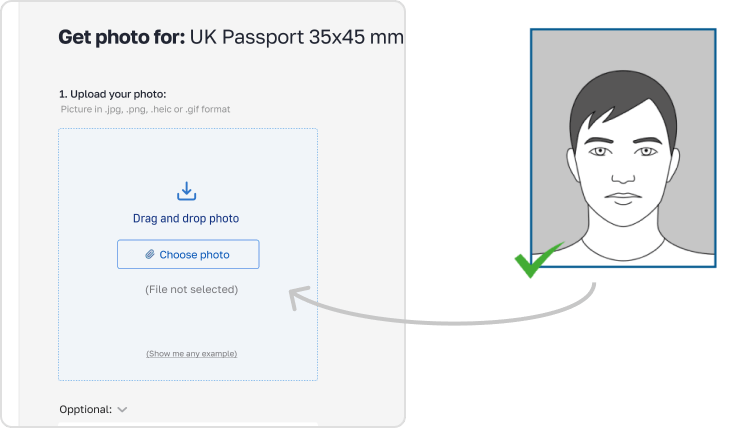
3. Receive your Passport Photo
Finally, you can download your ID photo. These images can be printed off, or you can simply use them as digital photos.
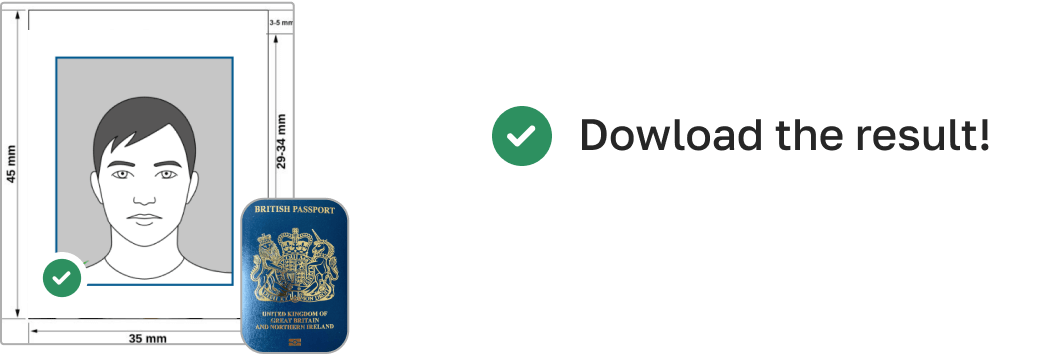
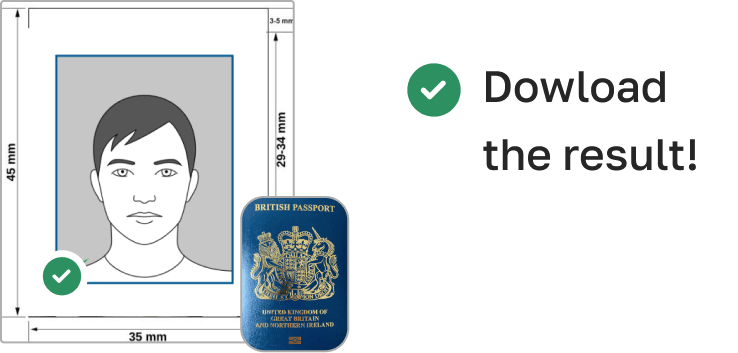
India Registration of Birth Photo Requirements (100x120 pixels)
Here’s a breakdown of the technical requirements for your India Registration of Birth photo:
| Photo Size (Width x Height) | 100 pixels x 120 pixels |
| Image Definition | Clear, sharp image with no blurriness or glare |
| Head Height (up to top of hair) | Approximately 60–70% of the photo height |
| Distance from top of photo to top of hair | 3–5 mm |
| Background Color | Plain white or light grey |
| Resolution (DPI) | Minimum 600 DPI |
| Printable | Yes |
| Suitable for Online Submission | Yes |
| Expression | Neutral expression, mouth closed, eyes open |
| Glasses | Allowed, but no glare or reflections |
| Head Coverings | Only for religious reasons; facial features must be clearly visible |
| Recentness | Must be taken within the last 6 months |
| File Format | JPG or JPEG |
Example photos:
Below are examples of correct and incorrect photos
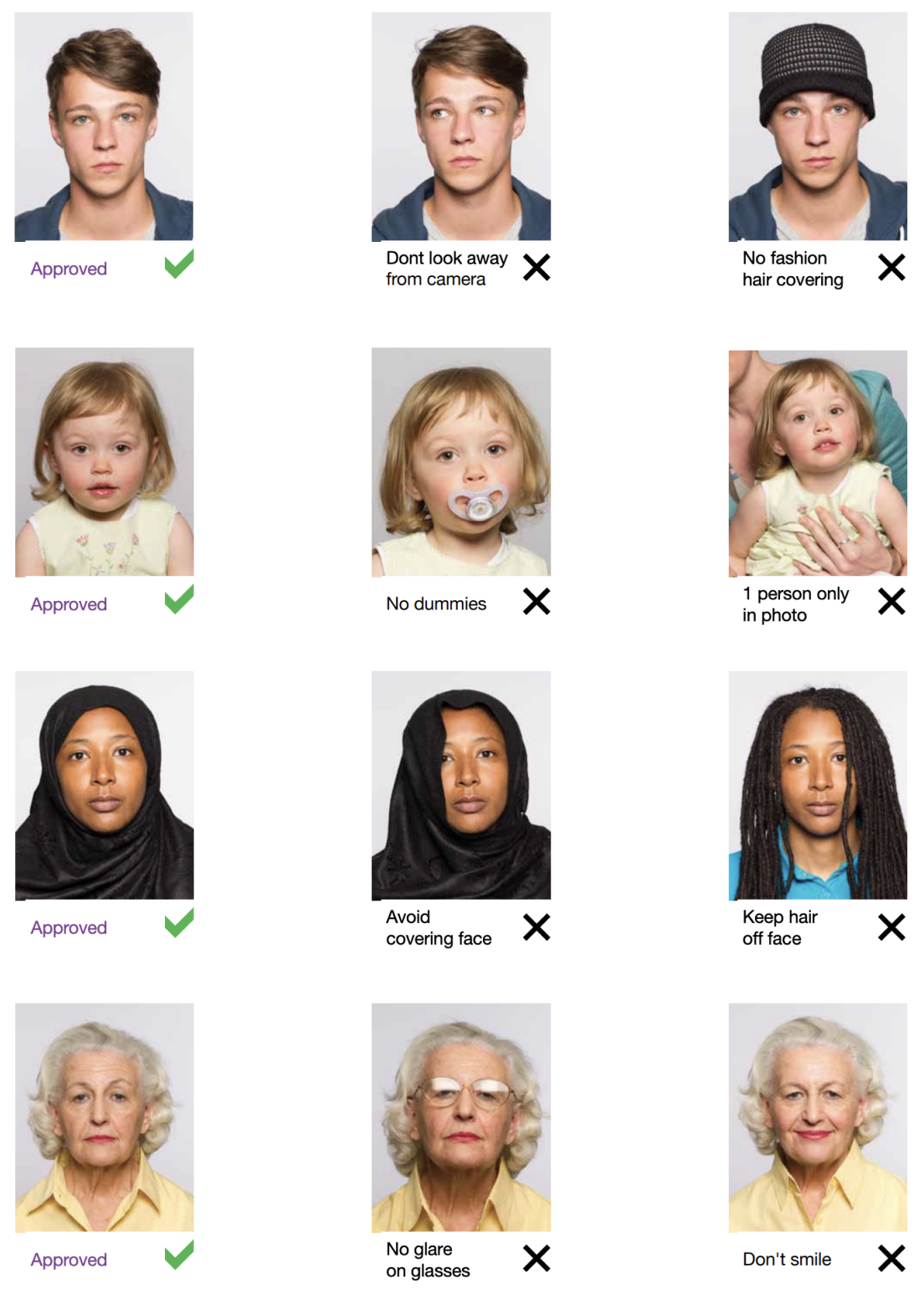
Common Mistakes to Avoid
Bear in mind these common mistakes when you are preparing your India Registration of Birth photo:
Background Incorrect: Background is plain white or light grey.
Fascade Size Incorrect — Your Photo needs to be 100 x 120 only pixels.
Poor lighting: Ensure your face is well-lit, not in shadows.
Facial expression: stay on neutral expression, mouth closed and eyes open.
Wearing glasses: you need to take care that your glasses lenses do not distract with glare or reflections.
PhotoGOV automatically Corrects. This eliminates every time the common mistake so that your photo remains authentic
Key Features of PhotoGov
Now PhotoGov explains why is PhotoGov so Easiest and most reliable tool to get take your India Registration of Birth photo

Resize
Adjusts the size of the image to the correct size for your India Registration of Birth Photo

Background removal
Gets rid of any distracting background and swap it with a clean, compliant color

Auto-adjustment
Adjust lighting and sharpen/contrast to get the highest quality photo Features of PhotoGov.net

Crop
Crops your photo automatically to the required size of 100x120 pixel
Benefits of Using PhotoGov.net
Quick and Easy: Inception, all you have to do is upload selfie we get things done
Cost effective: For great outcomes but with the bill of professional photo booths
Every Time Compliant: Guaraneeed compliants by our system to meet all specifications of registration birth photo in India
Print and Digital Format Available: We have both types so your ready with any type of submission
How to take India registration of birth photos for babies and kids

When taking pictures of babies and children for registration of birth, many of the same rules apply; for example, they must still adhere to the dress code, and the photograph must be high-quality and well-lit. With that being said, the State Department is generally more forgiving when it comes to the neutral expression requirement.
- If you are photographing a newborn:
- Spread a white sheet out over the floor.
- Place the baby down on the sheet and take their photograph against it.
For slightly older babies:
- Prop them up in a child’s chair against a white sheet.
- If they are still unable to hold up their head, prop it up for them using a hand behind the sheet. Ensure no one else is visible in the shot.
Frequently Asked Questions
Other documents for the India

本页目录:
- Get photo for: India registration of birth 100x120 pixel
- Importance of Your India Registration of Birth Photo
- PhotoGov Helps You Make India Registration Of Birth Photo
- How to take your own India registration of birth photo
- India Registration of Birth Photo Requirements (100x120 pixels)
- Example photos:
- Common Mistakes to Avoid
- Key Features of PhotoGov
- How to take India registration of birth photos for babies and kids
- Frequently Asked Questions
PhotoGov.net 严格遵守 全球证件照规范.
相关页面
其他证件 —— India证件照
India
10 个证件
- India PCC / Birth Certificate1.38x1.38 inch (35x35 mm)
- India driving licence1.38x1.77 inch (35x45 mm)
- India FRRO1.38x1.38 inch (35x35 mm)
- India PAN card1.38x0.98 inch (35x25 mm)
- India passport1.38x1.38 inch (35x35 mm)
- India passport Seva1.38x1.77 inch (35x45 mm)
- India OCI Passport2x2 inch (50.8x50.8 mm)
- India Passport Offline2x2 inch (50.8x50.8 mm)
- India Visa2x2 inch (50.8x50.8 mm)
- India Visa190x190 px