Requisitos de la foto de un vistazo
Resumen de las especificaciones oficiales de este documento, verificado con los requisitos de la autoridad emisora.
- Tamaño de foto
- 35x35 mm · 1.38x1.38 in
- Tamaño en píxeles
- 413x413 px
- Resolución
- 300 DPI
- Fondo
- In color
- Altura de la cabeza
- 67 %
- Nivel de ojos
- 58 %
- Formato de archivo
- JPEG
- Gafas
- no permitidas
- Expresión
- Neutral, eyes open, mouth closed
Tu India FRRO ahora (35 × 35 mm / 413 × 413 Pixels)
GratisSube un selfie y nuestro conversor de fotos lo redimensiona y recorta automáticamente a las especificaciones exactas. Funciona en iPhone, Android y escritorio — sin visita a estudio.
Arrastra para reposicionar · Controles deslizantes sin scroll abajo
o pega una imagen desde el portapapeles
Marca esta casilla si problemas de salud afectan tu foto — se requiere certificado médico.
Conformidad
Verificación humana
Un experto en cumplimiento revisa tu foto y emite un informe. 99,2% de aprobación.
Hoja de impresión (varias copias)
1.38x1.38 in · 300 dpi · JPEG · India
Procesamiento por lotes — procesa varias fotos a la vez
0 cargadasSube varias fotos; todas se recortan al tamaño del documento actual usando el mismo fondo y ajustes, luego se descargan juntas como un ZIP.
Indian FRRO (Foreign Registration) Photo Maker Online
So when you apply to an India FRRO (Appendage Registration), you must provide a compliant picture to accompany your application. The size of the official photo is 35x35 mm and must be suitable for online upload. Thanks to our handy tool PhotoGov, a completely compliant ordinary printed FRRO Photo is going to be created for you. Send a selfie or high-quality image and we will resize/crop/enlarge it to officially acceptablerequirement which be used for uploading.


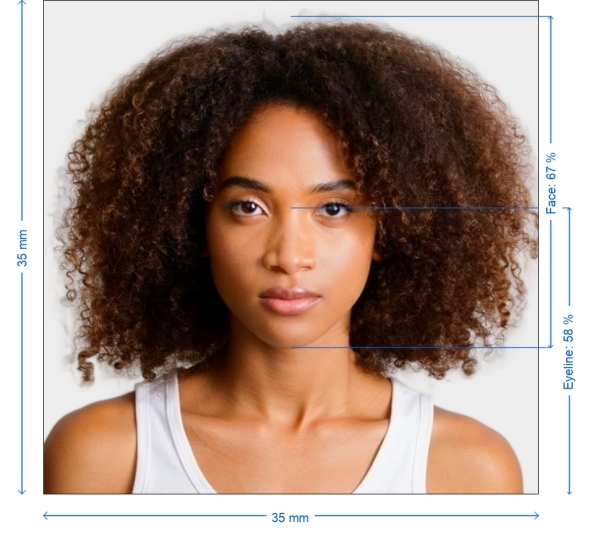
Get photo for: India FRRO (Foreigner Registration) 35x35 mm online
Arrastra para reposicionar · Controles deslizantes sin scroll abajo
o pega una imagen desde el portapapeles
Marca esta casilla si problemas de salud afectan tu foto — se requiere certificado médico.
Conformidad
Verificación humana
Un experto en cumplimiento revisa tu foto y emite un informe. 99,2% de aprobación.
Hoja de impresión (varias copias)
2x2 in · 300 dpi · JPEG · Estados Unidos
Procesamiento por lotes — procesa varias fotos a la vez
0 cargadasSube varias fotos; todas se recortan al tamaño del documento actual usando el mismo fondo y ajustes, luego se descargan juntas como un ZIP.

Why Select our FRRO Photo service in India?
Exact dimensions
35x35 mm Manual Photo Resizing to the official 35x35 mm (3.5×3.5 cm)
Image Background Removal
Removes Shadows and Patterns/To Ensure a clean White or light background
Improved Image Quality
Brightness, Contrast & Sharpness for clear the clearer and an professional Looking
Ready to use (Digital format) Image
Win your image in appropriate digital form for online submission
Comprehensive Compliance Guarantee
All the necessary India FRRO photo specifications are also met
India FRRO Photo Requirements
To ensure your India FRRO photo is accepted, it must meet both technical and appearance guidelines. Here's a breakdown of what’s required:
Passport applications follow a nationwide standard: the Indian passport photo requirements are set out in our Passport Seva guide.
| Size | 35 x 35 mm (3.5 x 3.5 cm) |
| Resolution | Minimum 300 DPI |
| Image Format | JPEG or PNG |
| File Size | Typically under 1 MB |
| Background Color | Plain white or light-colored (no shadows or patterns) |
| Printable | Yes – for physical submission if required |
| Digital Submission | Accepted by the India FRRO online portal and consulate systems |

Appearance Guidelines
Facial Expression
Neutral – mouth closed, no smiling or frowning
Eyes
Open and clearly visible
Head Position
Centered, facing forward
Face Coverage
Should occupy 70–80% of the photo’s height
Clothing
Avoid white tops; dark, solid colors preferred
Glasses
Not allowed unless medically necessary
Head Coverings
Allowed for religious or medical reasons, face must be fully visible
Lighting
Even lighting, no shadows or reflections on the face or background
How to Make Your India FRRO Photo
Select Document Type
Select “India FRRO Photo – 35x35 mm” from the list of document types on PhotoGov.net
Take Your Photo
Use a smart phone or digital camera, stand off 1.5–2 meters from a plain white/light colored wall
Upload Photo
Upload your image to PhotoGov. Please keep your face clearly visible with a neutral face
Auto-Resize & Optimize
PhotoGov will auto-crop your image to exactly that square size set at the top (35×35 mm), set to cleanout the background, then adjust brightness and sharpness
Download&Online submit
Download your final photo file and be done with online submission.
How to take your own India FRRO photo
If you don’t want to go through the trouble and expense of locating and hiring a professional photographer to take your picture, you can simply take your own from home. So long as you follow the below instructions carefully, you can capture the perfect visa photo yourself:
1. Take a picture of yourself
Open up the PhotoGov.net photo service and take your picture. Make sure you’re not wearing any headcovers or glasses, do not wear a uniform, and keep your expression neutral. Ensure that the area is well-lit and that you are standing against a neutral background.
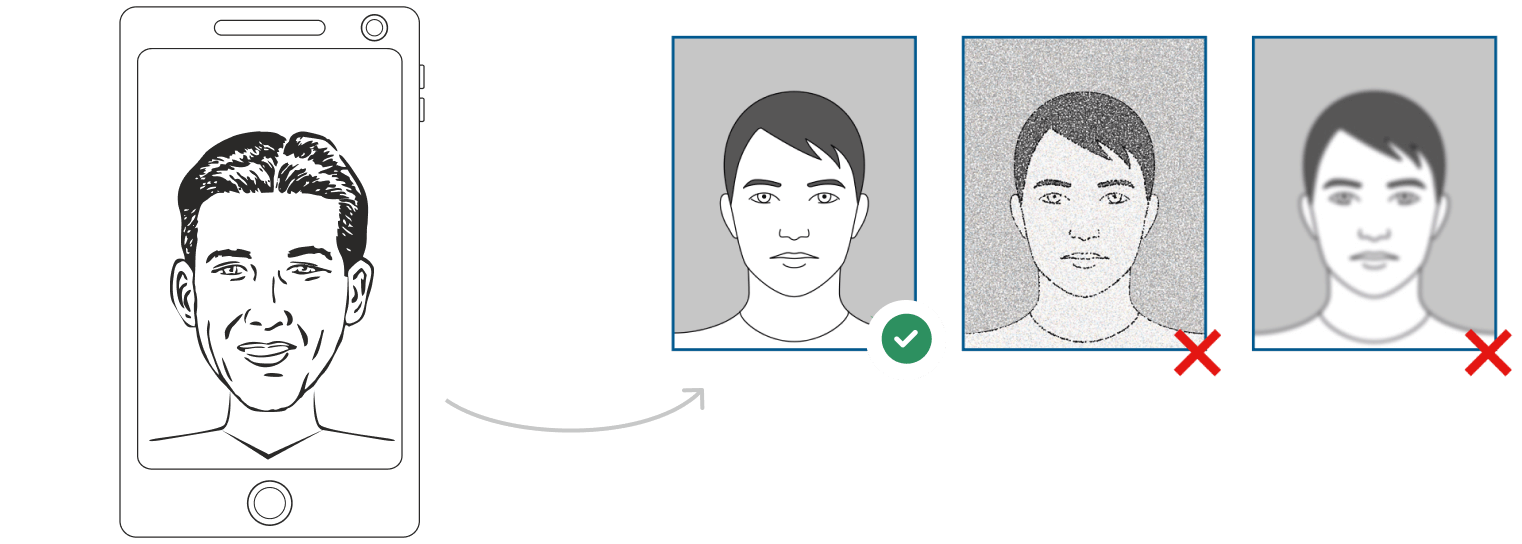
Watch "How to take a photo" (00:46)
2. Upload your photo to PhotoGov AI
Next, upload your image and process it through our site.
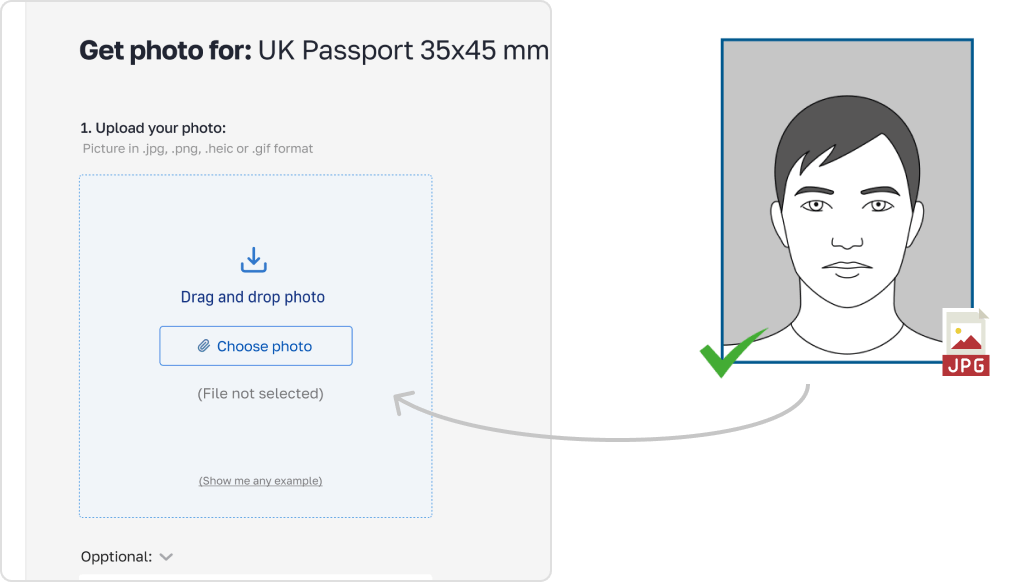
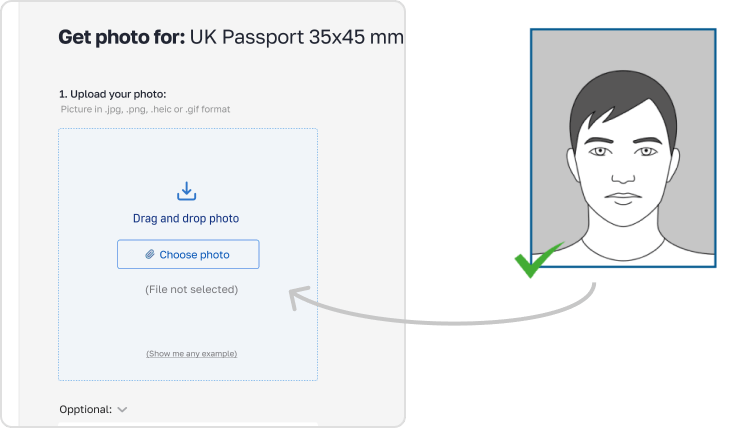
3. Receive your Passport Photo
Finally, you can download your ID photo. These images can be printed off, or you can simply use them as digital photos.
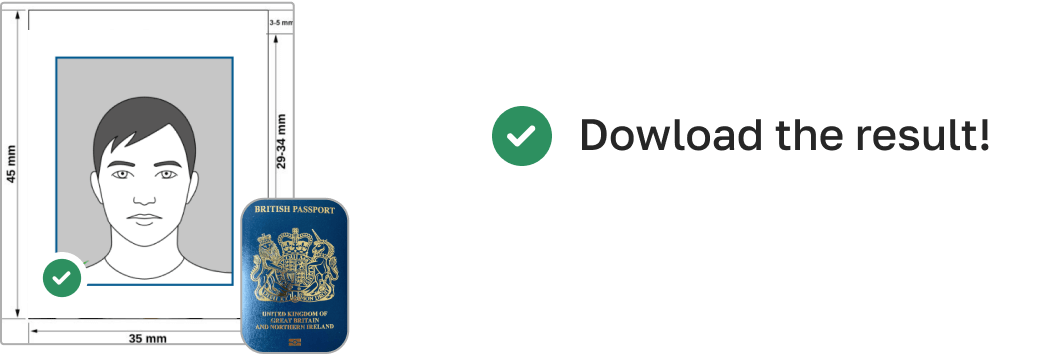
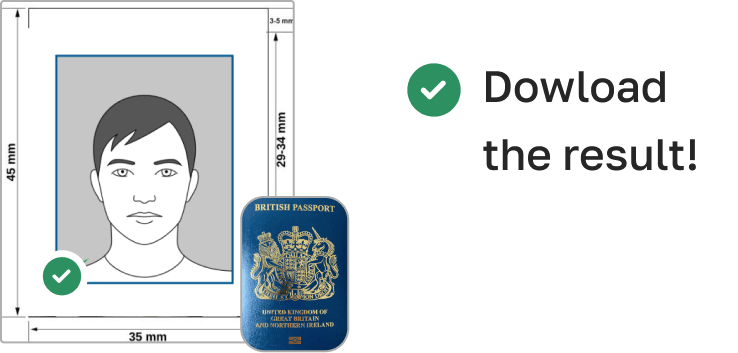
Emptiness of Your FRRO PhotoBest Practices
Lighting: Shoot in natural or soft artificial light to eliminate shadows on face and background
Background – Stand against plain white or light-colored wall. Do not let the background have patterns/textures
Positioning: Face must be centered with the Camera as you put on a mask Your face is going to occupy 70–80% of the photo height
Attire: Avoid white tops and choose dark solid colors
Example photos:
Below are examples of correct and incorrect photos
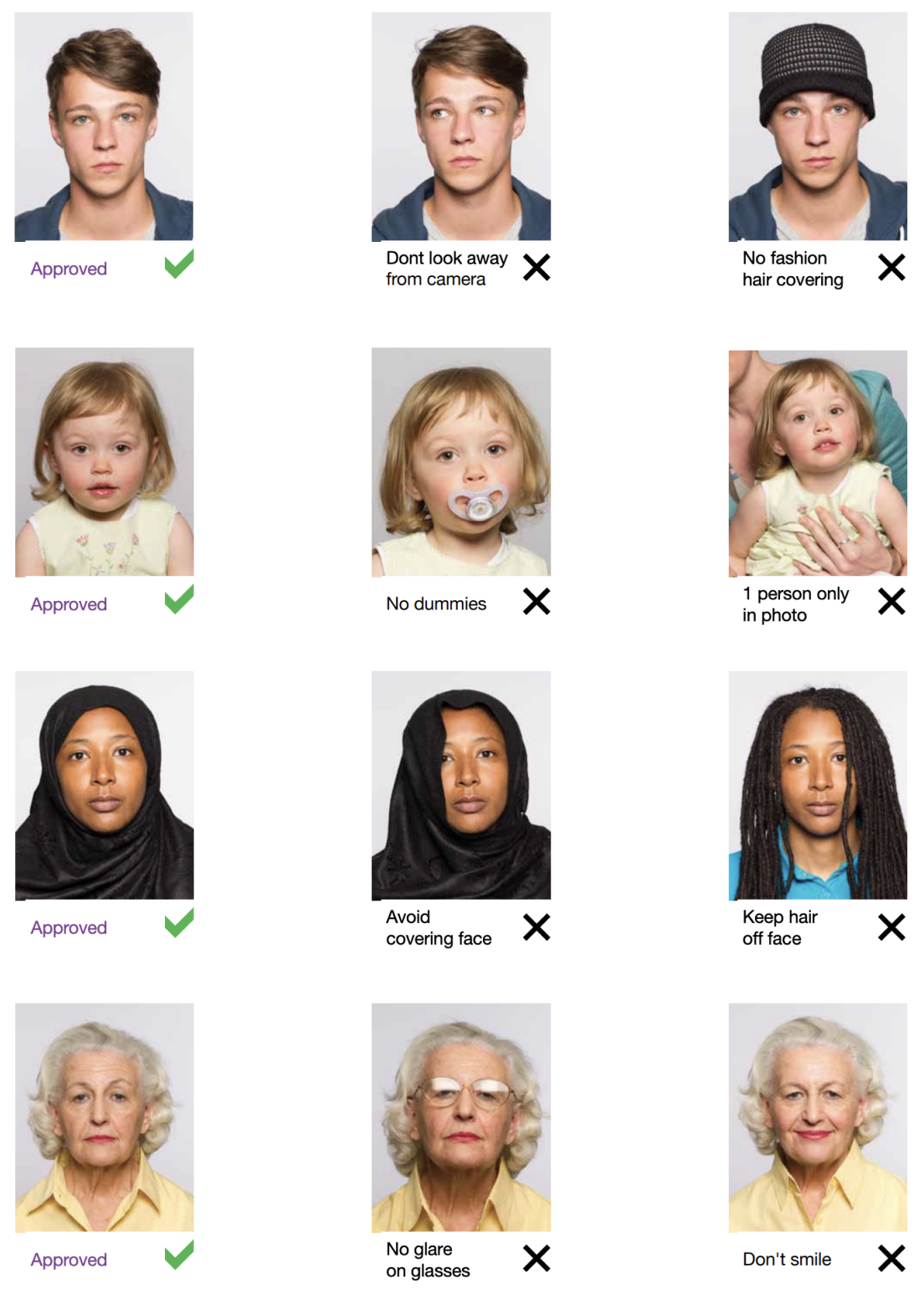
Common Mistakes to Avoid
Using the wrong size photo (e.g., passport size instead of 35x35 mm)
Wearing glasses or head coverings that obscure your face (unless medically or religiously required)
Using blurry, low-resolution, or overexposed images
Background with shadows or patterns
Smiling or tilting the head
PhotoGov will automatically detect and correct these issues during photo processing
Submission & Printing Format Guide
Print on – Print your photo on professional quality glossy or matte photo paper and set it exactly 35x35 mm (3.5x3.5 cm) for physical submission
Digital Submission: Upload your photograph in the FRRO online application portal or consulate system. Check if that meets file size and resolution guidelines
How to take India FRRO photos for babies and kids

When taking pictures of babies and children for visa, many of the same rules apply; for example, they must still adhere to the dress code, and the photograph must be high-quality and well-lit. With that being said, the State Department is generally more forgiving when it comes to the neutral expression requirement.
- If you are photographing a newborn:
- Spread a white sheet out over the floor.
- Place the baby down on the sheet and take their photograph against it.
For slightly older babies:
- Prop them up in a child’s chair against a white sheet.
- If they are still unable to hold up their head, prop it up for them using a hand behind the sheet. Ensure no one else is visible in the shot.
Frequently Asked Questions
Other documents for the India For a PAN application you prepare two matching prints; the Indian PAN card photo rules are described on a separate requirements page.

Escrito por Olia Potiagaeva, editora jefe Revisado por el equipo editorial de PhotoGov ★ 4.8 / 5.0 Google Verificado con Ministry of External Affairs, India
Repetición gratuita o reembolso total
Si rechazan su foto por un error de nuestra parte.
→ Política de reembolsoVerificado con 8 parámetros oficiales
Cada archivo se valida antes de la descarga.
→ Comprobación de cumplimientoRequisitos revisados cada 8 semanas
Frente a la especificación de Ministry of External Affairs, India, para que la plantilla nunca quede desfasada. Última verificación: 12.10.2026.
→ Fuentes gubernamentales oficialesEn esta página:
- Get photo for: India FRRO (Foreigner Registration) 35x35 mm online
- Why Select our FRRO Photo service in India?
- India FRRO Photo Requirements
- Appearance Guidelines
- How to Make Your India FRRO Photo
- How to take your own India FRRO photo
- Emptiness of Your FRRO PhotoBest Practices
- Example photos:
- Common Mistakes to Avoid
- How to take India FRRO photos for babies and kids
- Frequently Asked Questions
PhotoGov.net cumple estrictamente con la normativa global de fotos de identidad.
Páginas relacionadas
Otros documentos — fotos de identidad de India
India
13 doc.
- India PCC / Birth Certificate1.38x1.38 inch (35x35 mm)
- India driving licence1.38x1.77 inch (35x45 mm)
- India PAN card1.38x0.98 inch (35x25 mm)
- India passport1.38x1.38 inch (35x35 mm)
- India passport Seva1.38x1.77 inch (35x45 mm)
- India OCI Passport2x2 inch (50.8x50.8 mm)
- India Passport Offline2x2 inch (50.8x50.8 mm)
- India registration of birth100x120 px
- India Visa2x2 inch (50.8x50.8 mm)
- India Visa190x190 px
- India Passport for BLS USA Application (2x2 inch, 51x51mm)2.01x2.01 inch (51x51 mm)
- India Police clearance certificate (PCC) (2x2 inch, 51x51mm)2.01x2.01 inch (51x51 mm)
- India PIO (Person of Indian Origin) 35x35 mm (3.5x3.5 cm)1.38x1.38 inch (35x35 mm)