Exigences photo en un coup d'œil
Résumé des spécifications officielles de ce document, vérifié par rapport aux exigences de l'autorité émettrice.
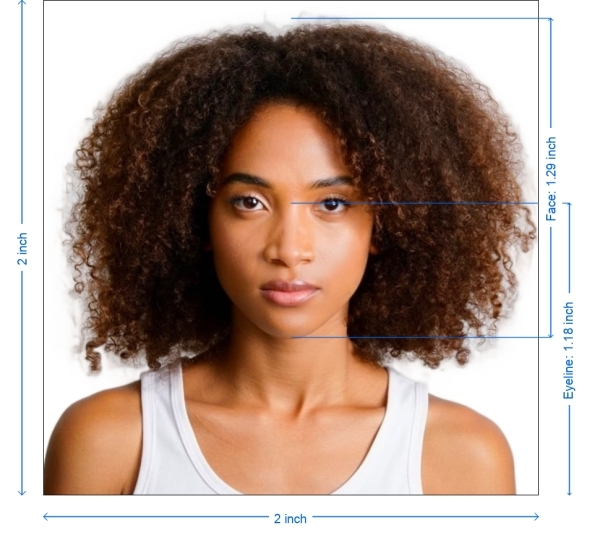
- Taille de la photo
- 50.8x50.8 mm · 2x2 in
- Taille en pixels
- 600x600 px
- Résolution
- 300 DPI
- Fond
- In color
- Hauteur de la tête
- 1.29 inch
- Niveau des yeux
- 1.18 inch
- Format de fichier
- JPEG
- Lunettes
- non autorisées
- Expression
- Neutral, eyes open, mouth closed
Votre USA welding certificate maintenant (50.8 × 50.8 mm / 600 × 600 Pixels)
GratuitTéléchargez un selfie et notre convertisseur photo le redimensionne et le recadre automatiquement aux spécifications exactes. Fonctionne sur iPhone, Android et ordinateur — sans passage en studio.
Glissez pour repositionner · Curseurs sans défilement ci-dessous
ou collez une image depuis le presse-papiers
Cochez cette case si un problème de santé affecte votre photo — un certificat médical est requis.
Conformité
Vérification humaine
Un expert en conformité examine votre photo et fournit un rapport. Taux d’approbation de 99,2 %.
Feuille d'impression (plusieurs copies)
2x2 in · 300 dpi · JPEG · États-Unis
Traitement par lot — traitez plusieurs photos à la fois
0 chargée(s)Téléversez plusieurs photos ; elles sont toutes recadrées à la taille du document actuel avec le même fond et les mêmes réglages, puis téléchargées ensemble dans un ZIP.
USA Welding Certificate – 2x2 Inch Format
Applying for a certified welding license in the United States? Whether you're submitting documents to the American Welding Society (AWS) or a local training institution, you’ll likely need to attach a 2x2 inch (51x51 mm) professional photo with your application. With PhotoGov, you can create this photo at home using your phone. Our platform crops, resizes, enhances, and formats your image according to official US ID photo standards — so your welding certification application goes smoothly and without rejections.


Source: official website www.aws.org
Get photo for: USA welding certificate 2x2 inch
Glissez pour repositionner · Curseurs sans défilement ci-dessous
ou collez une image depuis le presse-papiers
Cochez cette case si un problème de santé affecte votre photo — un certificat médical est requis.
Conformité
Vérification humaine
Un expert en conformité examine votre photo et fournit un rapport. Taux d’approbation de 99,2 %.
Feuille d'impression (plusieurs copies)
2x2 in · 300 dpi · JPEG · États-Unis
Traitement par lot — traitez plusieurs photos à la fois
0 chargée(s)Téléversez plusieurs photos ; elles sont toutes recadrées à la taille du document actuel avec le même fond et les mêmes réglages, puis téléchargées ensemble dans un ZIP.

Why Use Our Photo Tool for Welding Certification?
Exact Sizing
Converts any image to 2x2 inches (51x51 mm)
Plain Backgrounds
Removes shadows and replaces backgrounds with white
Pro-Grade Quality
Enhances contrast and sharpness for professional clarity
Digital and Printable
Download for online upload or print at home or local shop
Regulation-Ready
Fully compliant with U.S. certificate and license photo rules
Photo Requirements for USA Welding Certificate
Most welding certification programs — including those from AWS — follow U.S. ID photo standards. That means your photo must meet specific size, background, and appearance guidelines.
| Size | 2 x 2 inches (51 x 51 mm) |
| Resolution | Minimum 300 DPI |
| Image Format | JPEG or PNG |
| File Size | Typically under 1 MB |
| Background Color | Plain white or very light gray |
| Printable | Yes – needed for in-person applications |
| Online Submission | Accepted by many trade schools and AWS portals |
| Expression | Neutral; no smiling or exaggerated expressions |
| Clothing | No uniforms; wear solid dark clothes for contrast |
| Glasses | Not recommended; no glare or tinted lenses if worn |
| Accessories | No hats, earphones, jewelry, or tools visible |
How to Create a Welding Certificate Photo
Select Document Type
Choose “USA Welding Certificate – 2x2 inch” on PhotoGov.net
Take the Photo
Use your phone or camera. Stand 1.5–2 meters away from a white wall in a well-lit room
Upload for Processing
Submit your photo — we’ll handle cropping, sizing, and background correction
Auto Enhancement
Our tool sharpens image quality and adjusts brightness and tone automatically
Download and Submit
Save your photo in JPEG or PNG format for uploading or printing
Best Practices for a Certificate Photo
Lighting: Face a window for soft daylight; avoid shadows on the face or background
Framing: Use a tripod or stable surface. Keep your head centered and shoulders even
Clothing: Choose darker, solid colors. Avoid white, logos, or uniforms
Avoid Filters: No retouching or beauty effects. Your face should appear natural and unaltered
No Selfie Angles: Ask someone to take the picture or use a timer
How to take your own USA welding certificate photo
If you don’t want to go through the trouble and expense of locating and hiring a professional photographer to take your picture, you can simply take your own from home. So long as you follow the below instructions carefully, you can capture the perfect welding certificate photo yourself:
1. Take a picture of yourself
Open up the PhotoGov.net photo service and take your picture. Make sure you’re not wearing any headcovers or glasses, do not wear a uniform, and keep your expression neutral. Ensure that the area is well-lit and that you are standing against a neutral background.
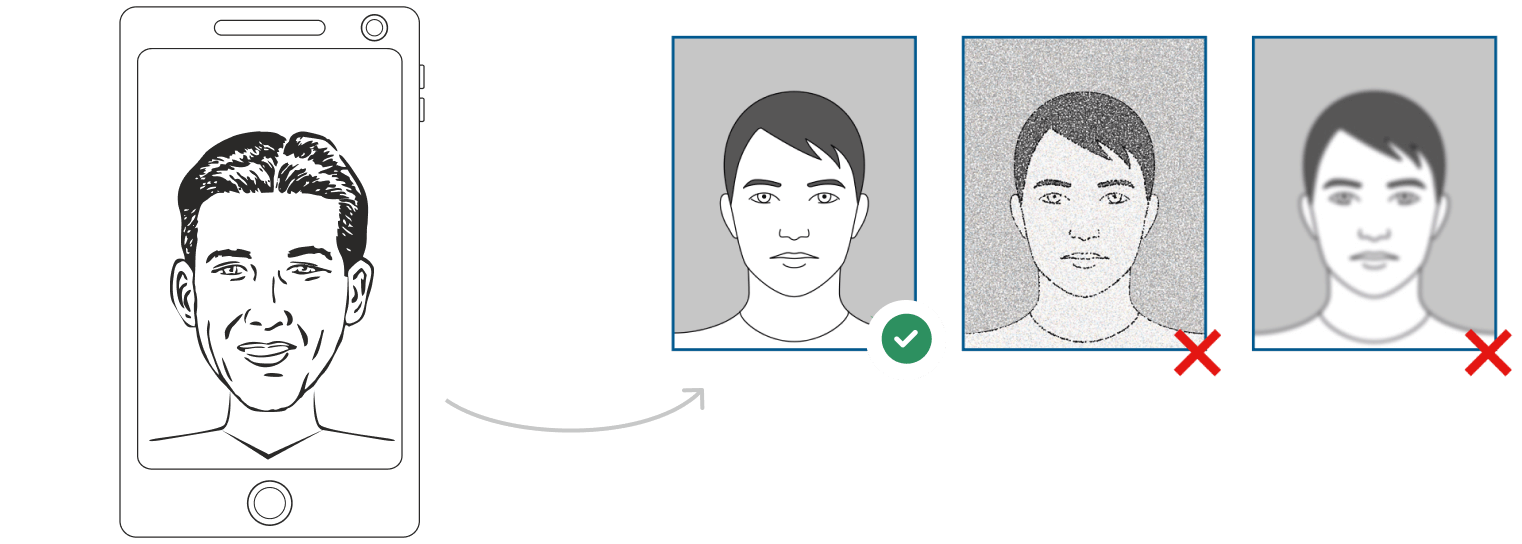
Watch "How to take a photo" (00:46)
2. Upload your photo to PhotoGov AI
Next, upload your image and process it through our site.
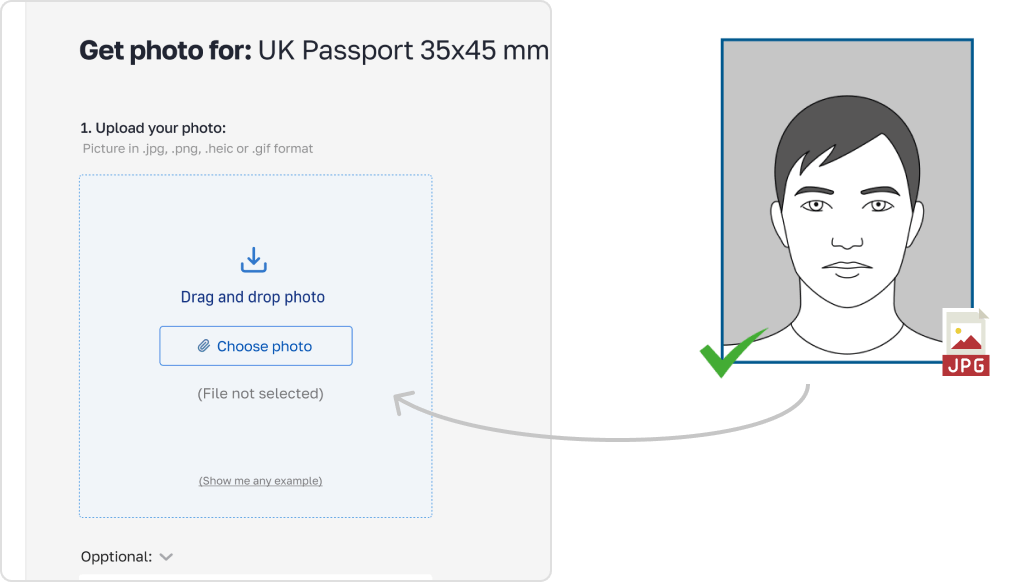
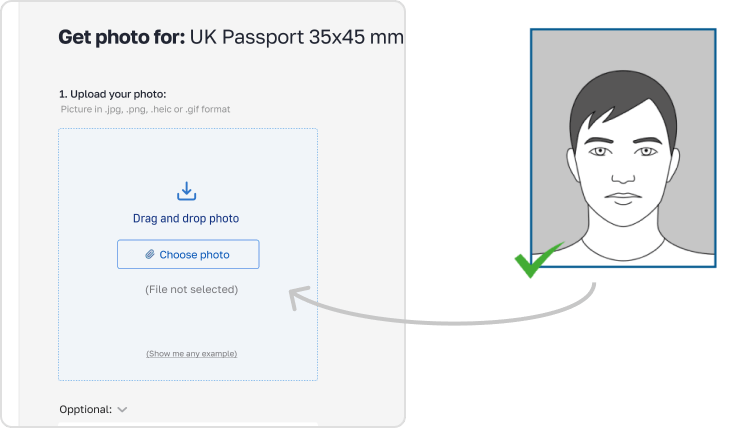
3. Receive your Passport Photo
Finally, you can download your ID photo. These images can be printed off, or you can simply use them as digital photos.
Common Mistakes to Avoid.
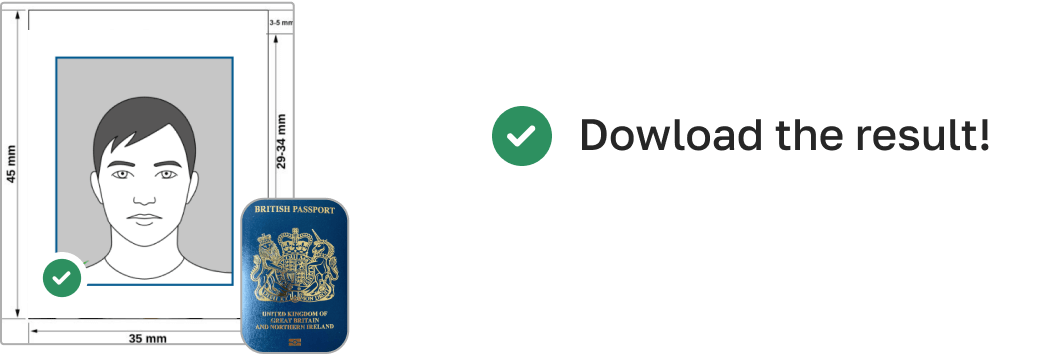
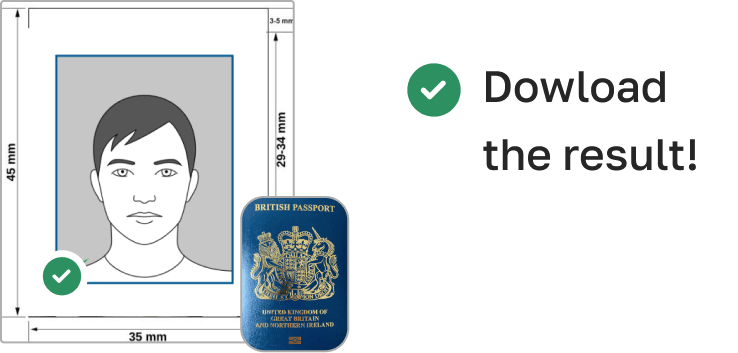
Using passport-size (35x45 mm) instead of 2x2 inches
Smiling or head tilt
Wearing work clothes with logos or safety gear
Shadows or uneven lighting
Visible accessories or obstructed face
Low resolution or blurry image
PhotoGov detects and corrects these mistakes automatically.
Frequently Asked Questions
Other documents for the United States

Rédigé par Olia Potiagaeva, rédactrice en chef Relu par l' équipe éditoriale de PhotoGov ★ 4.8 / 5.0 Google Vérifié auprès de U.S. Department of State
Nouvelle prise gratuite ou remboursement intégral
Si votre photo est refusée en raison d'une erreur de notre part.
→ Politique de remboursementVérifié selon 8 paramètres officiels
Chaque fichier est validé avant le téléchargement.
→ Contrôle de conformitéExigences revérifiées toutes les 8 semaines
Par rapport aux spécifications de U.S. Department of State, afin que le modèle ne soit jamais dépassé. Dernière vérification : 12.10.2026.
→ Sources gouvernementales officiellesSur cette page :
PhotoGov.net respecte strictement la réglementation mondiale des photos d'identité.
Pages associées
Sources gouvernementales officielles
Vérifié auprès des exigences photographiques de U.S. Department of State: https://www.aws.org/certification/page/photo-id-requirementsDernière vérification : 12.10.2026
Normes photographiques: aws.org
Autres documents — photos d'identité pour United States
United States
18 doc.
- Baby Passport Photo2x2 inch (50.8x50.8 mm)
- CVS photo2x2 inch (50.8x50.8 mm)
- Digital Passport Photo2x2 inch (50.8x50.8 mm)
- US Electronic Diversity Visa Lottery2x2 inch (50.8x50.8 mm)
- USA crew visa2x2 inch (50.8x50.8 mm)
- US Employment Authorization2x2 inch (50.8x50.8 mm)
- US Green Card2x2 inch (50.8x50.8 mm)
- US Passport2x2 inch (51x51 mm)
- US Visa2x2 inch (51x51 mm)
- USA Form I-130 2x2 inch2.01x2.01 inch (51x51 mm)
- US Citizenship (naturalization) 2x2 inch (51x51 mm)2.01x2.01 inch (51x51 mm)
- USA CCHI ID badge 3x3 inch2.99x2.99 inch (76x76 mm)
- USA PADI certification card 45x57 mm (1.75x2.25 inch)1.77x2.24 inch (45x57 mm)
- USA Re-entry Permit 2x2 inch2.01x2.01 inch (51x51 mm)
- USA FOID 1.25x1.5 inch1.26x1.5 inch (32x38 mm)
- US NY Gun License 1.5x1.5 inch1.5x1.5 inch (38x38 mm)
- USA Nursing License 2x2 inch2.01x2.01 inch (51x51 mm)
- US Veteran ID Card 2x2 inch2.01x2.01 inch (51x51 mm)