Guías e instrucciones paso a paso para fotos de pasaporte
En esta sección encontrará desde instrucciones para sacarse una foto de pasaporte perfecta usted mismo (con iPhone, Android o una cámara normal), hasta consejos de iluminación, fondo, posición de la cabeza y errores a evitar. Siga estos sencillos pasos para que su foto sea aceptada y evítese el problema de que la rechacen al solicitar el pasaporte.
Learn the most convenient "passport photo near me" options in 2026: this Guide covers them all, from local pharmacies and post offices to online passport photo makers and commercial studios.

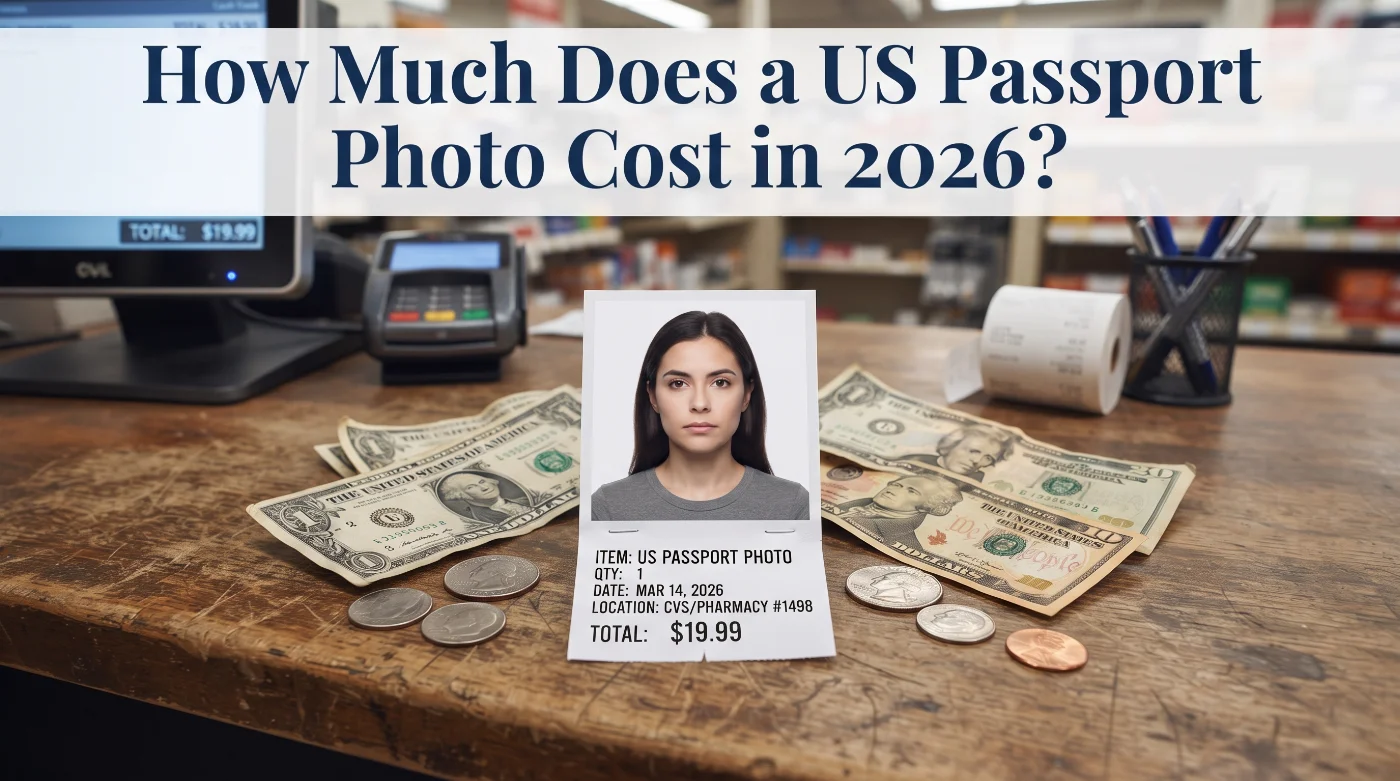
Wondering how much a US passport photo costs? This guide highlights the most reliable and affordable options — from online services to offline providers.
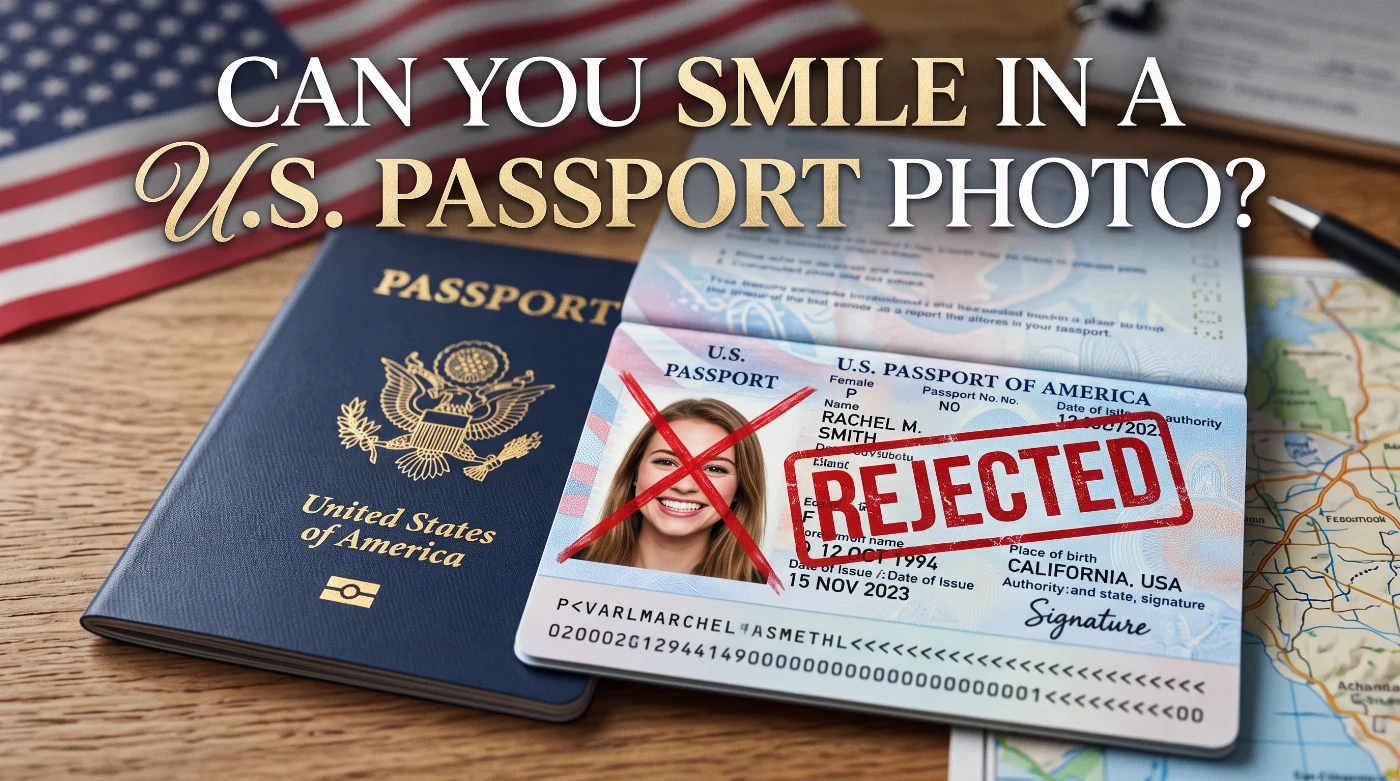
This guide explains the official U.S. rule for smiling in passport photos, the biometric reasons behind it, and, most importantly — how to avoid smile-related rejections.
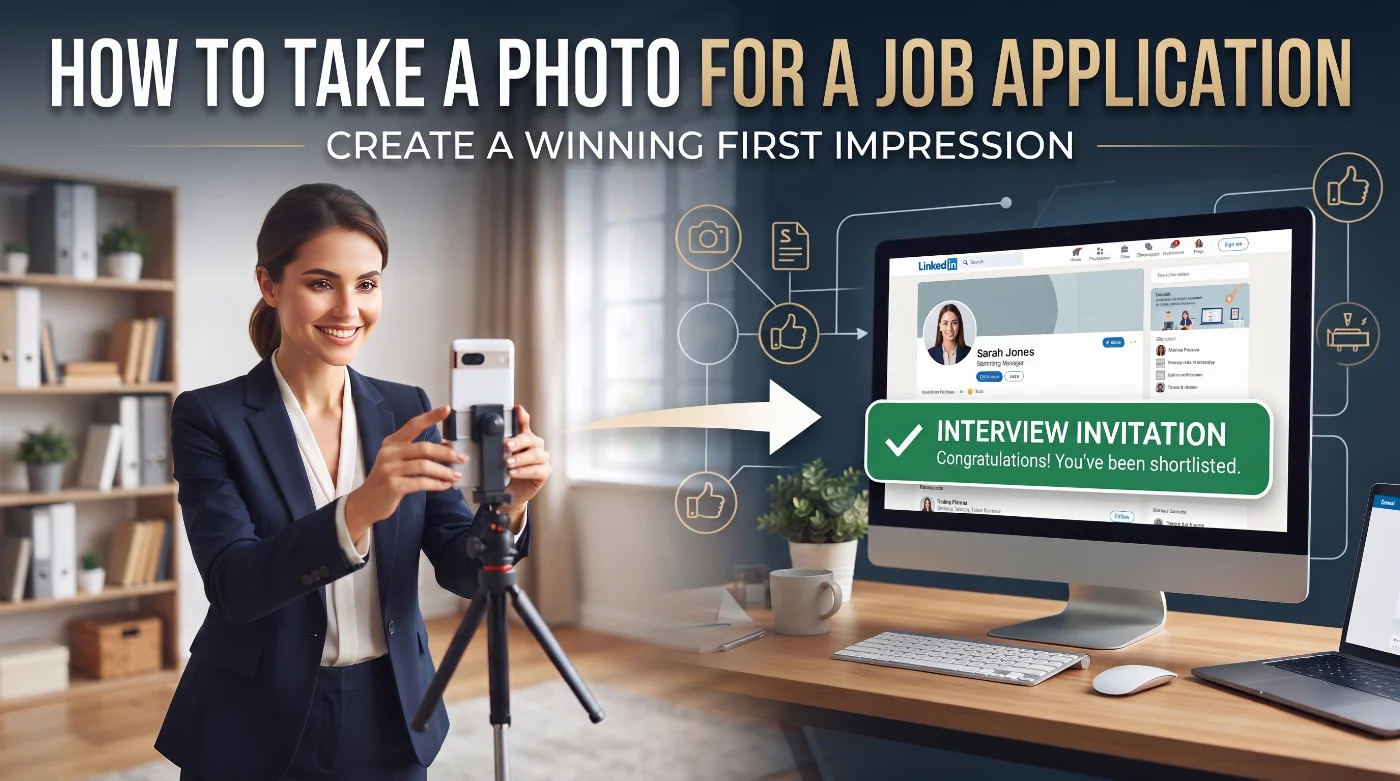
You don’t need a commercial studio or a photographer to take a job application photo. A plain wall, soft window light, and a smartphone are enough to take a professional photo at home. This guide walks you through the process, from choosing the right format to making, editing, and submitting the image.
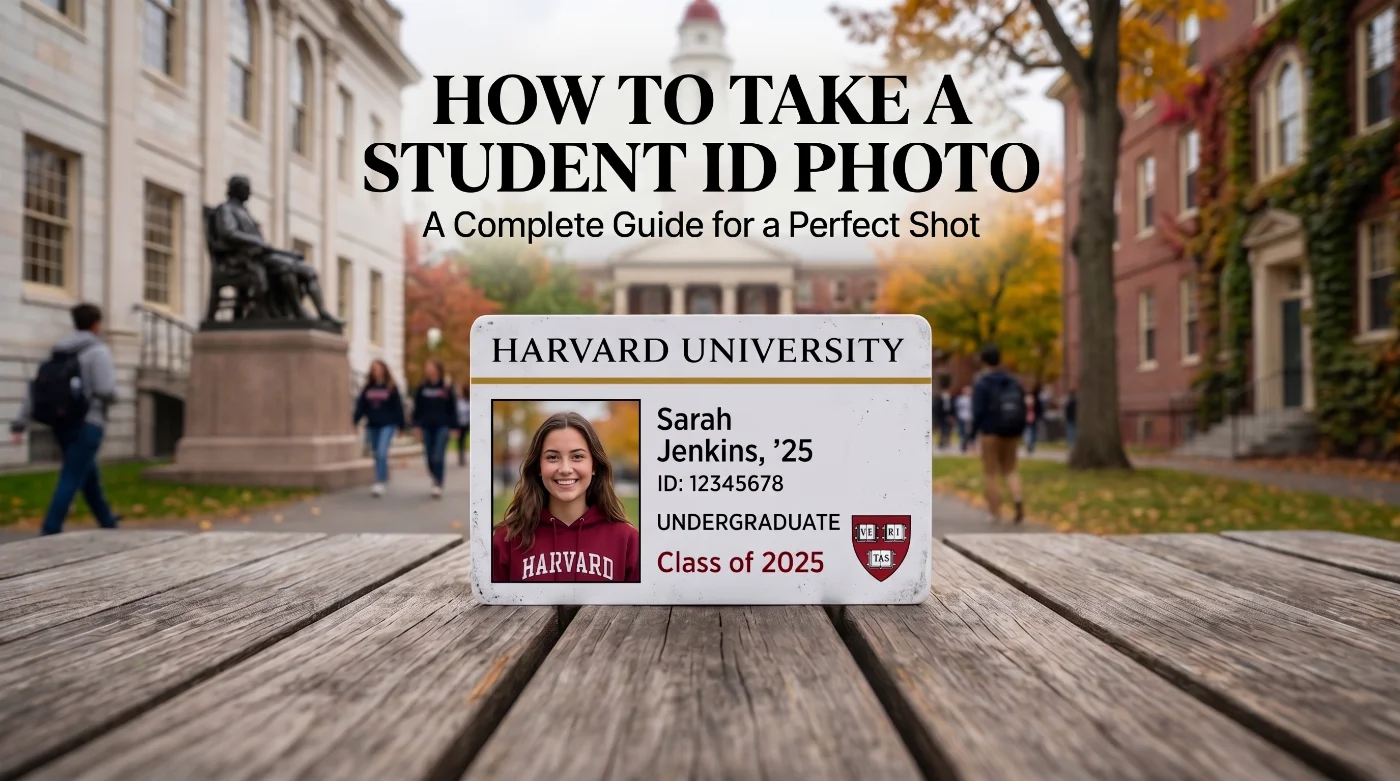
Learn how to take a student ID photo for US universities. Exact specs, lighting tips, and rejection reasons — based on official campus card office guidelines.
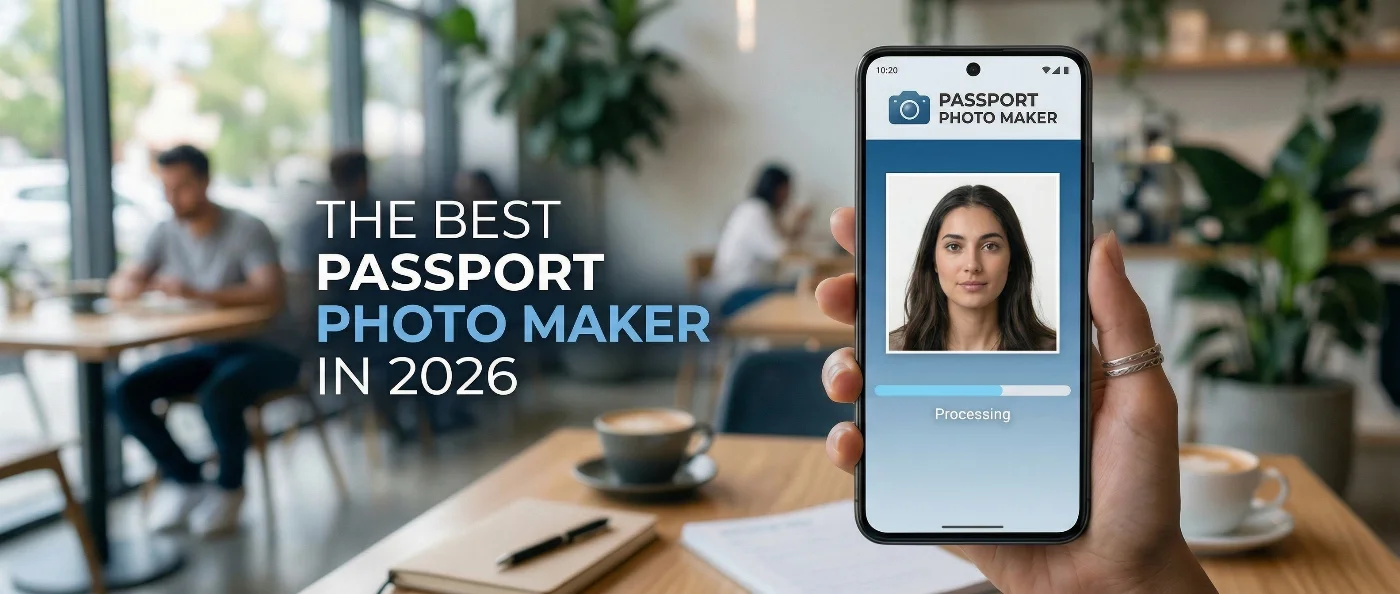
Want to know what the best passport photo maker is in 2026? Learn the results of our independent test and create a correct passport photo to avoid delays or rejections in your application.
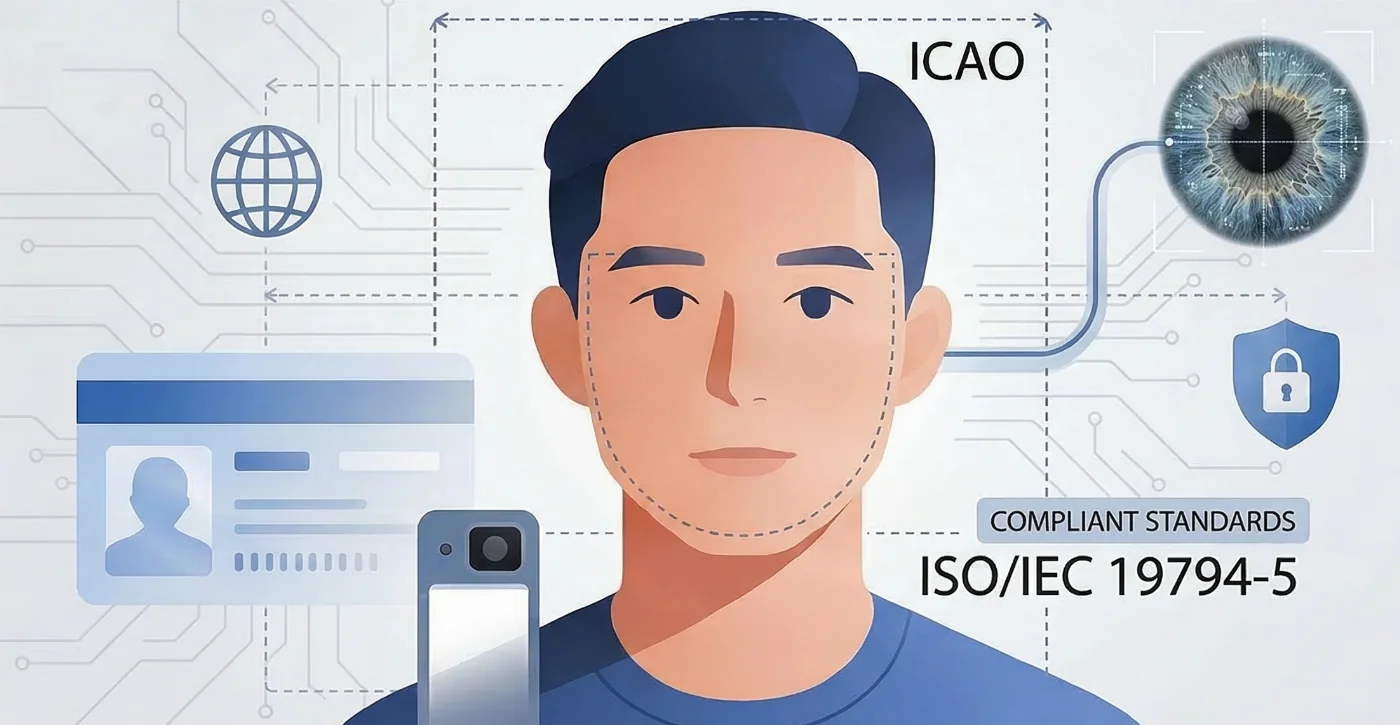
Learn what a biometric photo is and how to take it to get accepted on the first try: explained by the PhotoGov expert, updated for 2026.
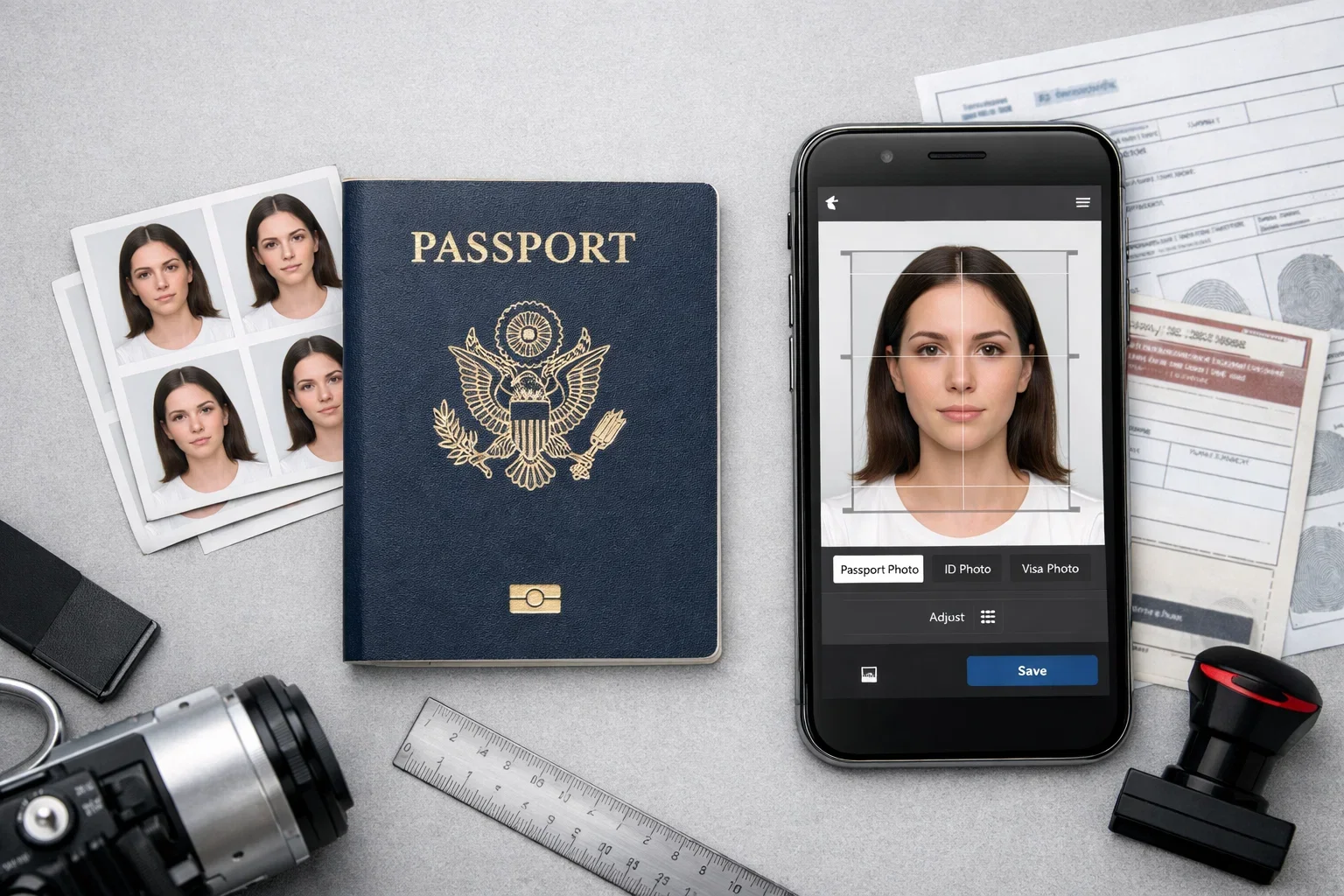
What about if I want to do my own passport photo? You’d pretty much rather not give a drug store or photo shop $15 to $20 for a photo you don’t even like. And with so many passport photo apps for iPhone and Android, it looks like a sure thing.
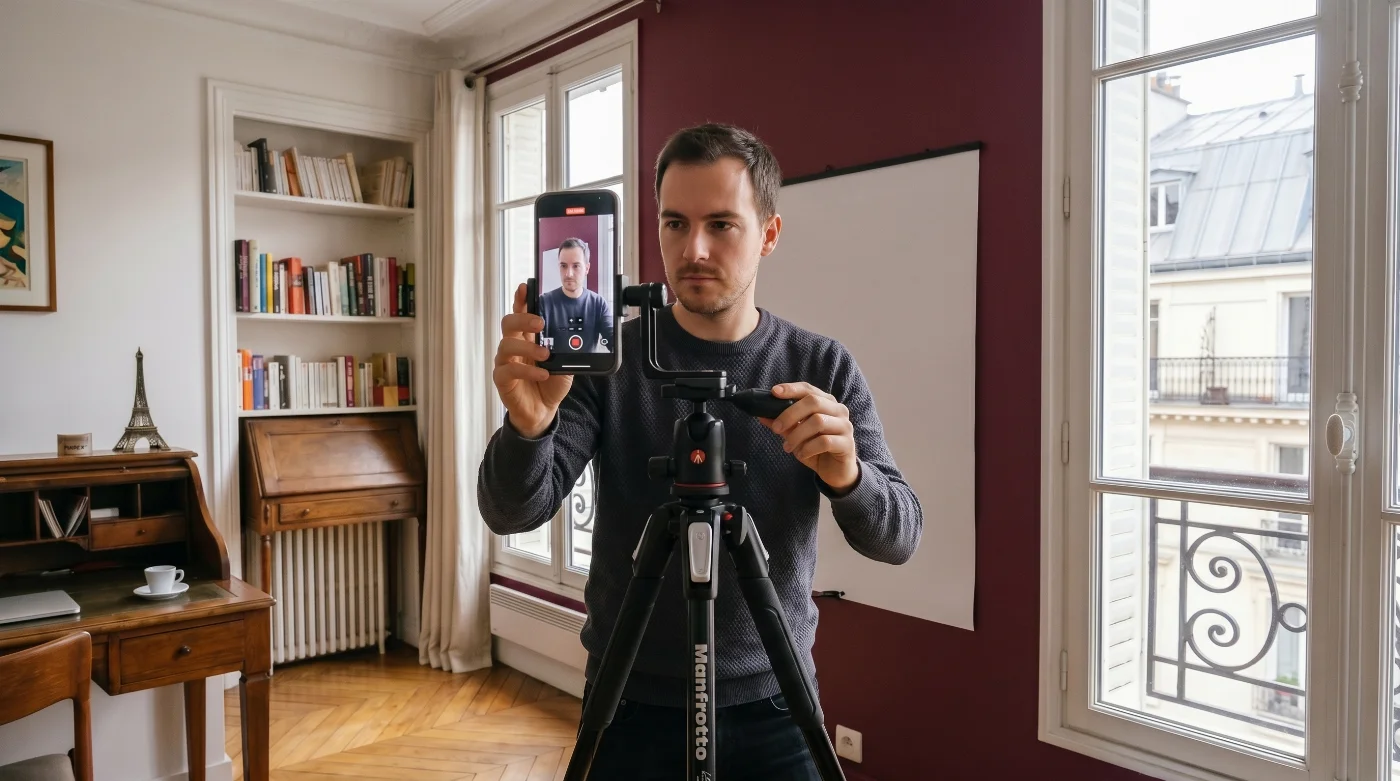
Learn how to take a digital passport photo on an Android phone at home and follow our step‑by‑step guide to get a submission‑ready file.
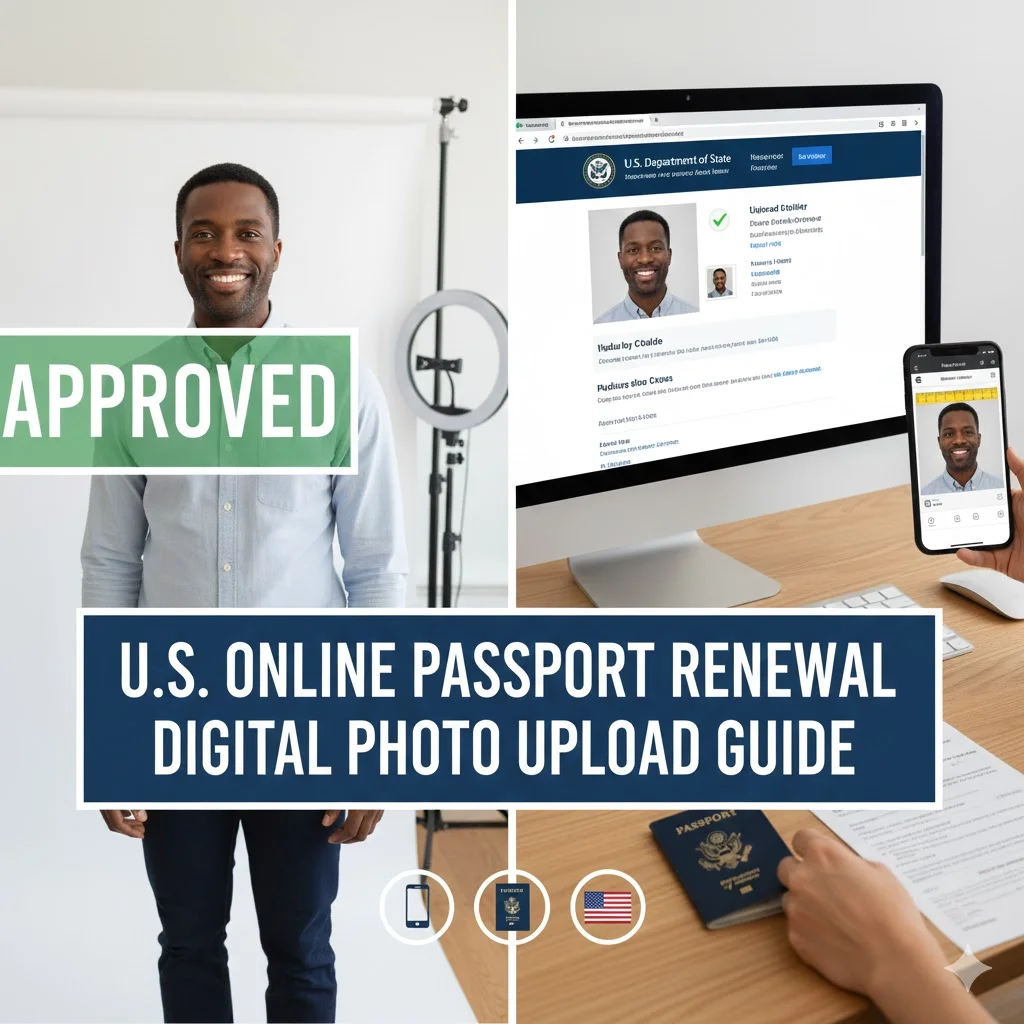
This guide covers all technical requirements for passport renewals via the Travel.State.Gov. It specifically explains how the automated validator evaluates each criterion and provides a precise reference for preparing a compliant file before upload.
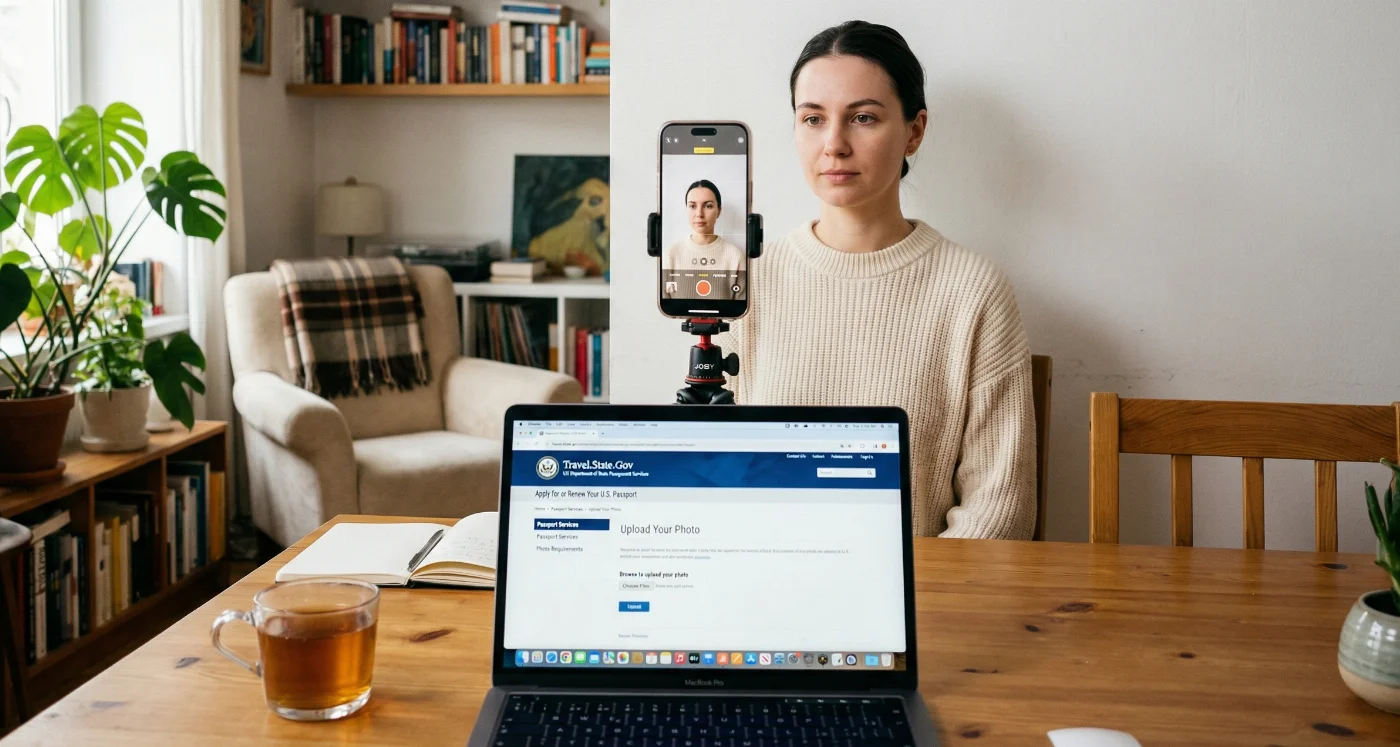
The U.S. Department of State accepts self-taken digital passport photos if they follow all official requirements. This guide covers all essential steps from setting up your home photo studio, shooting the photo, and preparing the file using only built-in operating system tools or free browser-based utilities. No third-party apps are required.
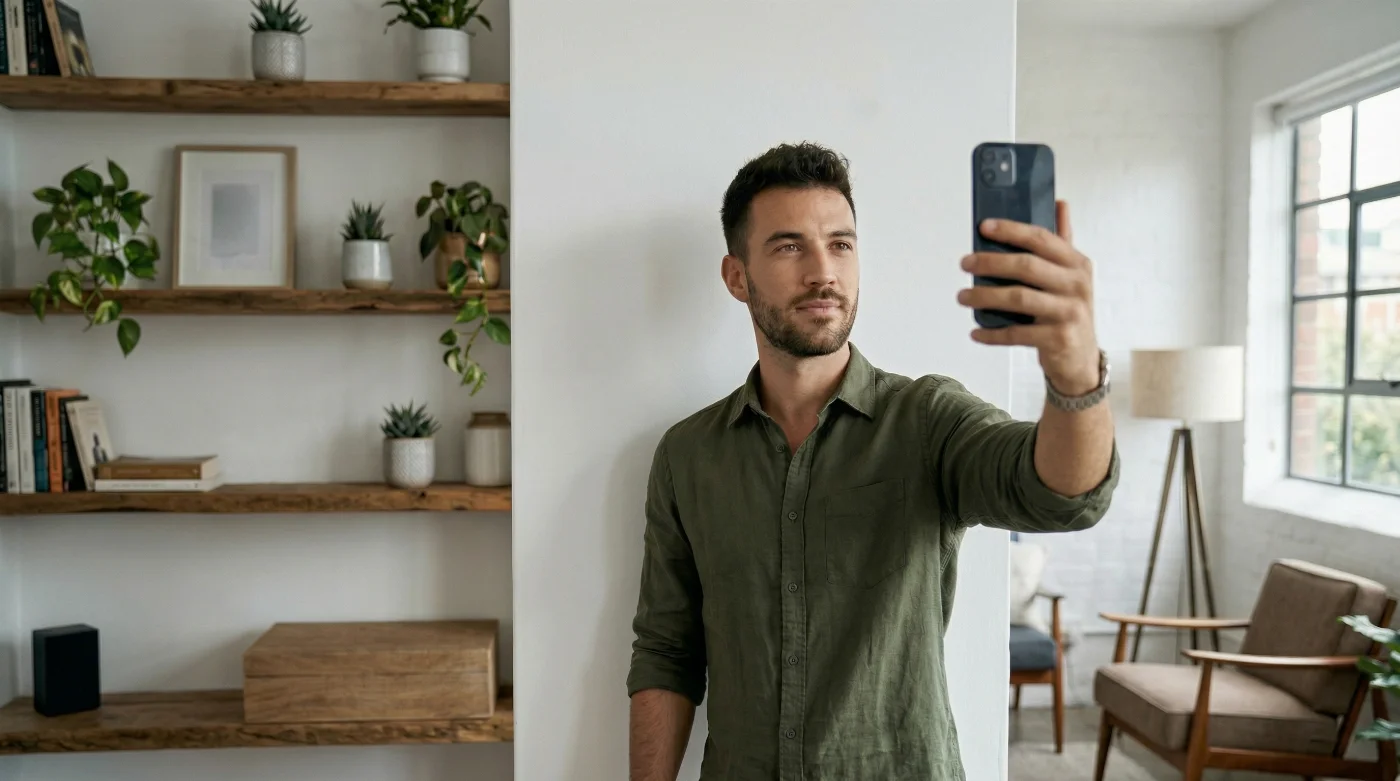
Today, you don’t need to spend time and money on a studio visit — you can take a technically compliant digital passport photo on your iPhone. This article provides step-by-step guidance for taking a photo that will be accepted on the first try.
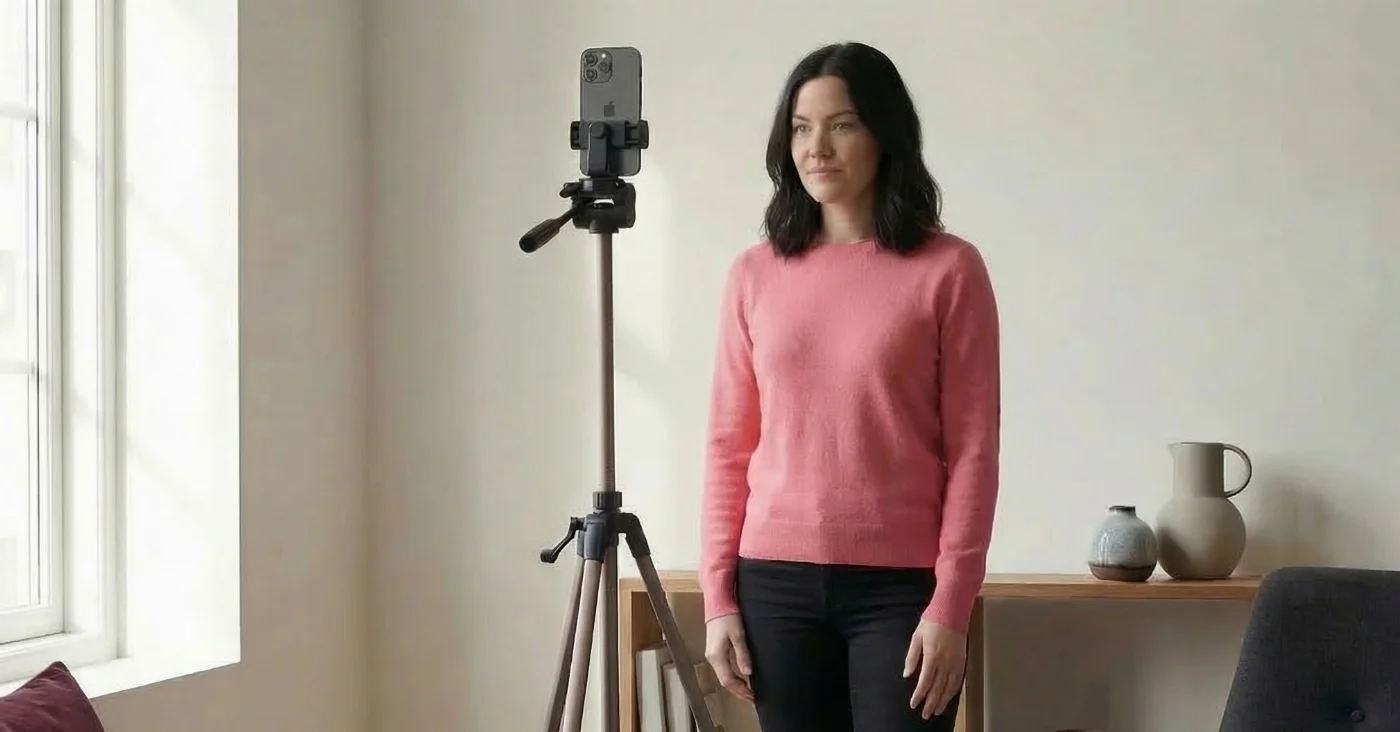
Learn how to take a perfect passport photo with an iPhone in 2026: updated iPhone setup tips, international passport photo requirements, and a step-by-step guide.